
I Built a SaaS with Lovable and Couldn’t Get Paid - Here’s What Fixed It

(Real, hands-on experience — nothing here is sponsored.)
I still remember the exact feeling.
It was day 7. The app was live. The UI looked clean. The features worked. I had already shared the link in two communities, and the DMs were coming in. People wanted to pay.
And I had absolutely no idea how to collect their money.
Here’s what nobody tells you about building with Lovable: the building part is actually the easy part.
The Part They Leave Out of Every Vibe Coding Tutorial
I’ve been building with AI tools for over 2 years now. My WordPress plugin that gets daily sales? Built with Cursor. My beauty brands directory is sitting at $1000+ MRR?
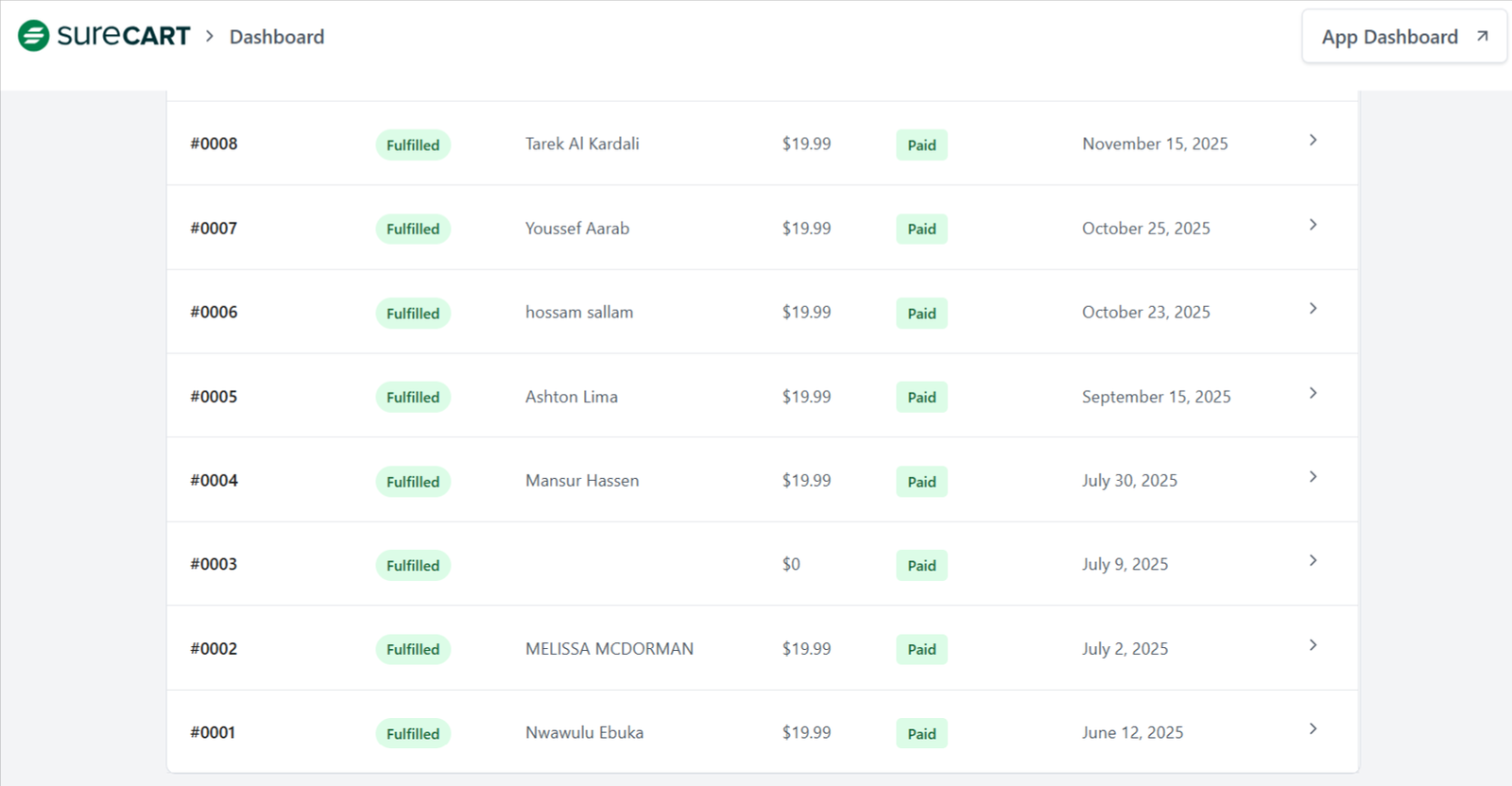
Started with Lovable. But the journey between “app is working” and “app is earning” almost broke me the first time.
Every YouTube video I watched was the same story. Built with Lovable, connect a database on Supabase, and deploy on Vercel. Great. Beautiful. Inspiring. And then silence. Nobody talked about what happens when a user clicks “Subscribe” or “Get Access.” Where does the payment go? How does the app know who paid? How does the webhook fire?
I went deep into the Lovable docs. I watched tutorials. I read threads. I tried to wire up Stripe.
That’s when the real problem hit.
Thinking about Stripe? (If You’re in Nigeria, You Already Know)
I’m based in Lagos. Stripe does not support Nigerian accounts for receiving payments. Not in the way you need when you’re the one trying to collect money from a SaaS product.
I could use a workaround, such as a US LLC, a foreign bank account, or a third-party service. But none of that was simple. None of it was fast. And for a first product? I needed revenue in days, not months.
I had spent 7 days building something real, something working, and now I was looking at months of bureaucracy before my first dollar could land.
I almost shelved the product entirely.
What Actually Fixed It: Whop
A friend in my community mentioned Whop. I had used it before as a buyer; I’d purchased a course through it. But I had never thought of it as a payment infrastructure for my SaaS.
Here’s what changed everything: Whop is not just a marketplace. It is a complete payment and access management layer. You can set up a product, define a subscription or one-time payment, and get a checkout link within minutes. No US LLC required. No Stripe account needed. Payouts are made via PayPal, crypto or bank transfer to supported countries.
For a Nigerian founder building on Lovable, this was the unlock I did not know existed.
But the integration part? That was still not obvious. Lovable generates beautiful frontend code. Connecting it to Whop, getting the webhooks to fire correctly, and making sure the app actually responded when a user paid, took me another 3 days of trial, error, and testing.
3 days that cost me real money in time.
How the Integration Actually Works
Here is what I eventually figured out:
When a user pays through your Whop checkout link, Whop fires a webhook to a URL you define. Your Lovable app, or more accurately, your Supabase backend, needs to receive that webhook and update the user’s access status.
The flow looks like this: user pays on Whop → Whop sends a POST request to your webhook URL → your backend receives the event → user gets access inside the app.
Simple in theory. But if you have never dealt with webhooks before, “simple in theory” means nothing. You need to know how to set up the endpoint inside Supabase Edge Functions or a separate backend. You need to verify the Whop signature. You need to handle edge cases what happens if the webhook fires twice? What if the user cancels?
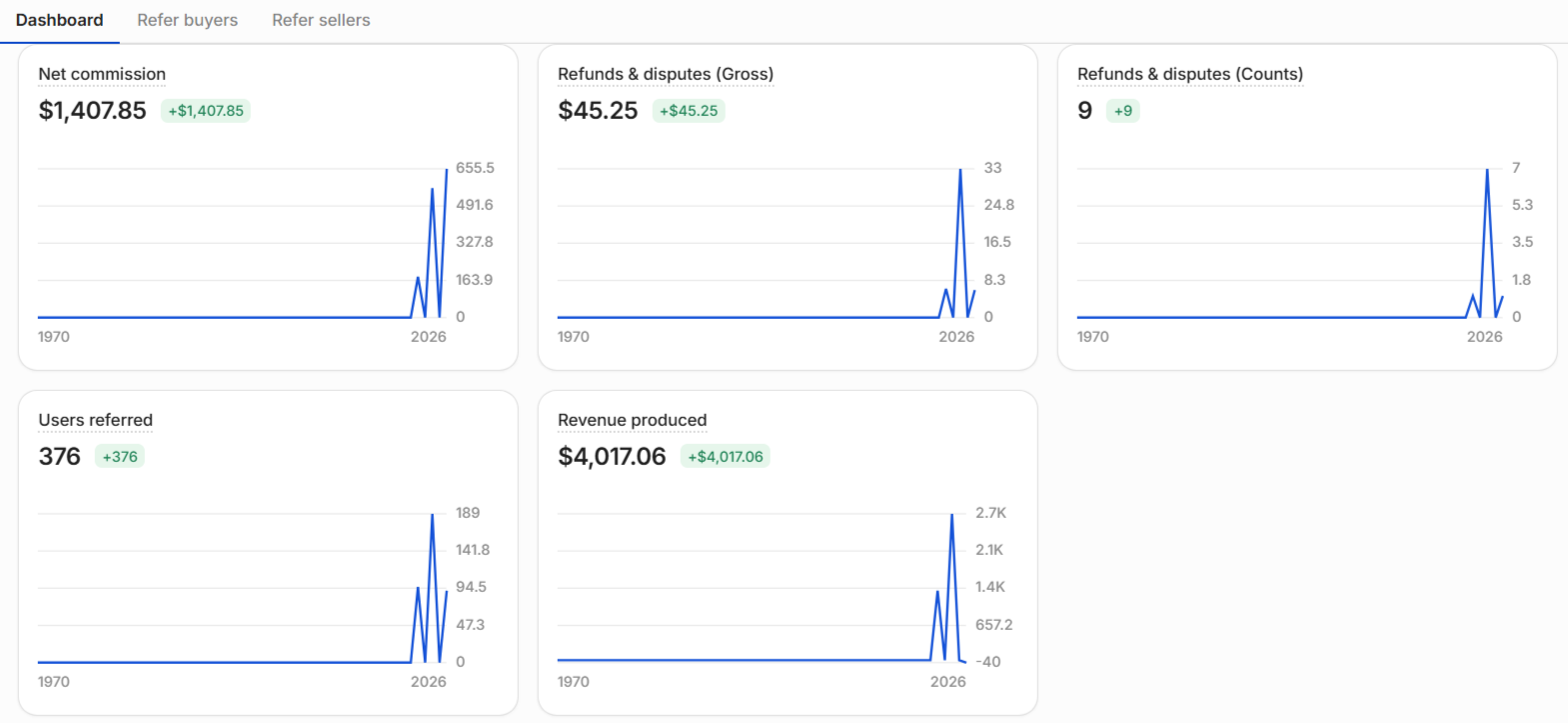
I learned all of this the hard way. $600+ MRR in my first month with the email template builder came only after I had already wasted hours getting the integration right on an earlier product.
I will Strongly Advise Most Vibe Coders to Collect Payment from day 1
Most builders treat payment as the last step. They think, “I’ll figure that out once I have users.“
The problem is, by the time you have users, you are in a rush. You are stressed. You are making mistakes. And your potential customers are waiting.
Payment should be the second thing you set up, right after your core feature works. Lock in your Whop product, test the checkout flow end to end, confirm the webhook fires and updates your database. Then build everything else on top of a working monetisation layer.
That is the advice I wish someone had given me on day 1.
What I Built and What I Now Do for Others
Since cracking this, I’ve integrated Whop into multiple client projects and my own products. My email template builder hit $600+ MRR in its first month because payment was set up correctly from launch day. No waiting. No “sorry, I’ll fix the checkout link soon.“
I now offer two services for builders who are stuck at exactly this stage:
Whop Payment Integration Setup - I either do it entirely for you or walk you through it live in a 1:1 session. By the end, your Lovable app has a working checkout flow, webhook integration, and Supabase access management. You go from “app is built” to “app is earning.”
Paddle Payment Integration Setup - Same structure, using Paddle instead. Paddle supports more countries and is a strong Stripe alternative for SaaS products. DFY, or live walkthrough.
Both are available at my Whop store.
If You’re Stuck on This Exact Step
Stop overthinking. Start creating - but start with the right infrastructure.
If you have built something with Lovable and you cannot figure out how to wire up payments, that is not a Lovable problem. That is a monetisation problem. And it has a direct, fast solution.
I’ve solved this problem a dozen times now. I can set it up for you, or I can show you how to do it yourself in a live session. Either way, you walk away with a working product that actually gets paid.
Services:
Whop Payment Integration Setup - DFY and Live Walkthrough
Paddle Payment Integration Setup - DFY and Live Walkthrough
I take on a limited number of builds: Lovable/Cursor apps, payments, and AI features wired up end to end.
Builder writing about what actually ships: AI tools, vibe-coding workflows, and the payment/infra plumbing tutorials skip.
Comments
No comments yet, be the first.