
Build Reliable Business Email - Without Hosting Headaches
One-time professional setup of Zoho Mail + Cloudflare so your business email works on mobile, moves safely, and stays yours forever.
Created by Philip Hustle · Last updated August 2026 · English
What you'll get
Full Zoho Mail setup on your custom domain (info@yourdomain.com, hello@, sales@ etc.)
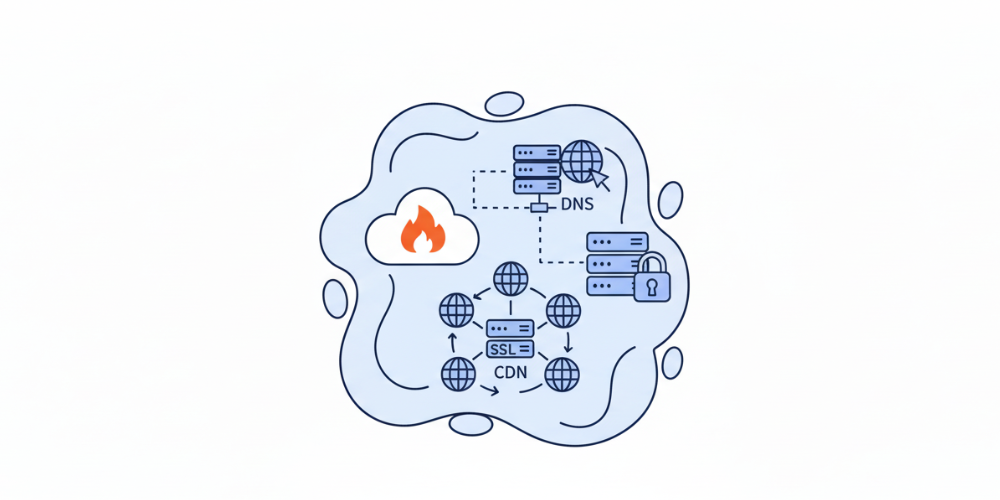
Cloudflare DNS configuration and performance/security tweaks (if required)
SPF, DKIM, DMARC configured for deliverability and reputation protection
Migration of existing mailboxes (Google Workspace, Outlook, cPanel) inboxes, sent items, folders, and contacts where possible
Mobile setup and troubleshooting for Gmail, Apple Mail, Outlook iOS/Android, and Zoho Mail app, real-time delivery on your phone
Branded email signature template (including logo and contact info) for every mailbox we set up
Admin user console configured (groups, aliases, forwarding rules) and a short admin walkthrough video for you
30 days of post-setup email support (we fix issues, help add new accounts, and answer questions)
Clear handover document: usernames, access steps, migration report, and DNS records (so you always remain in control)
Preview
Service plan
6 sections · practical, step-by-step delivery
⌄Phase 1 - Audit & Plan1
We audit your current email setup, hosting, and DNS. We map a migration strategy that prevents downtime and email loss.
⌄Phase 2 - DNS & Cloudflare Prep2
We prepare your domain: add Cloudflare (if needed), create DNS backups, and stage changes so mail keeps flowing during the switch.
⌄Phase 3 - Zoho Mail Setup3
We create your Zoho organization, add domain, configure MX records, and implement SPF/DKIM/DMARC for instant credibility.
⌄Phase 4 - Mail Migration4
We migrate mailboxes (Google Workspace, Outlook, cPanel). We test integrity of inboxes, sent items, and calendars where available.
⌄Phase 5 - Mobile & Client Setup5
We configure mobile delivery (Gmail app, iOS Mail, Zoho Mail app, Outlook mobile) and confirm push/real-time delivery on your devices.
⌄Phase 6 - Branding & Training6
We install branded signatures, set up aliases/forwards, provide a short admin training video, and deliver a migration report.
Requirements
- Access to the accounts and tools involved
- A clear business goal or current issue
- Availability for a short kickoff and final handover
Description
Most hosts “include” business email, but that model causes three huge, real problems:
The solution: move to Zoho Mail (custom domain) + Cloudflare DNS and let us handle the entire technical migration and mobile setup.
You keep your emails, access them instantly on mobile, and own your inbox no matter where you host
I’m Philip Hustle. Years ago I lost weeks of emails and leads during a messy hosting migration and missed sales because messages never reached my phone.
After testing and living through the pain myself, I switched to modern, hosting-independent email systems.
Customers also bought


Instructor
Philip HustleBuilder, educator and technical problem solver

I help founders and creators turn confusing technology into working products, reliable infrastructure, and repeatable systems. Everything here is built from hands-on experience.
Frequently asked questions
Is this a course or a subscription?+
This is a one-time professional setup service, not a course and not a subscription. You pay once for the setup and migration; the emails and Zoho account remain yours.
Will I lose emails during migration?+
We design migrations to avoid data loss. Most migrations preserve inboxes, sent items, and folder structures. We also take backups and test thoroughly before final cutover.
Do I need to change hosting to use this?+
No. You do not need to change your website hosting. We can implement Cloudflare DNS and move mail handling to Zoho without changing your website host.
How long does it take?+
Turnaround depends on mailbox count and migration complexity. Typical small setups finish in 1 - 3 business days; larger migrations take longer (we’ll provide an exact timeline after audit).