Turn a photo into a written description

Upload an image, pick a style, and get back real, specific language — not a generic caption.

Click, drag and drop, or paste an image here

PNG, JPG, or WEBP up to 4MB

English

Description

Your description will appear here.

HOW IT WORKS

Real detail, not a generic caption

The AI actually looks at what's in the photo — it doesn't guess from the file name.

01

Written by actually looking at the image

Subject, setting, lighting, color, texture, and mood all get read from the pixels themselves and written up in plain language.

Try it with your own photo →
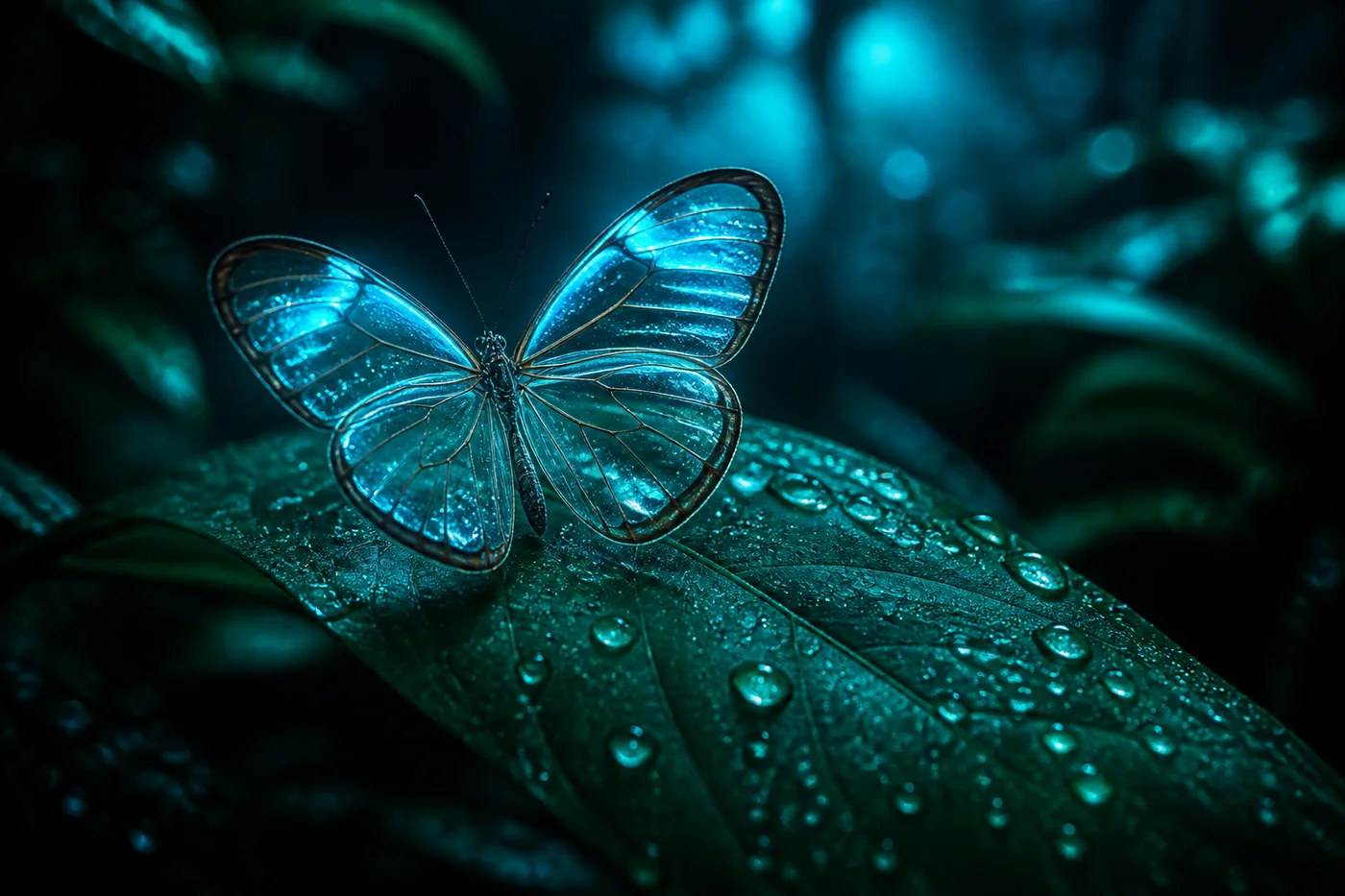
Glasswing butterfly resting on a dew-covered leaf
Detailed

A translucent glasswing butterfly with pale blue-tinted wings rests on a broad green leaf covered in fine water droplets, set against a dark, softly blurred rainforest background lit by a cool cyan glow.

02

Every style, one image

Switch styles and get a genuinely different result from the same photo — brief, itemized, art-focused, or your own custom question.

See the description styles →
Canyon-side observatory beneath a ringed planet
Brief

A lone figure stands on a canyon-side observatory balcony beneath a massive ringed planet at dusk.

SEE THE OUTPUT

Same photo, three different styles

Illustrative examples of the kind of output each style actually produces from one image.

Glasswing butterfly on a leaf
Detailed

A translucent glasswing butterfly with pale blue-tinted wings rests on a broad green leaf covered in fine water droplets, set against a dark, softly blurred rainforest background lit by a cool cyan glow.

Brief

A blue-tinted glasswing butterfly on a dew-covered leaf in a dark rainforest.

Objects

1. Butterfly (glasswing, blue-tinted wings) 2. Leaf (broad, green, water droplets) 3. Background foliage (blurred, dark) 4. Ambient light glow (cyan)

GETTING STARTED

How to use Image Describer

From upload to a usable description in under a minute.

  1. 1
    Add your image

    Upload a file, drag it in, paste from your clipboard, or paste an image URL.

  2. 2
    Pick a style

    Detailed, brief, objects, art style, extracted text, or ask your own question.

  3. 3
    Let the AI look closer

    It reads the actual visual content, not just a guess.

  4. 4
    Copy and use it

    Drop the description into alt text, a caption, a catalog, or wherever you need it.

QUESTIONS

Frequently asked questions

Straight answers about how this tool works.

Can this identify who a specific person is?

No — for privacy reasons, "Describe the Person" deliberately avoids trying to identify anyone. It describes general appearance only (hair, clothing, expression, pose), never a name or identity.

How accurate is the text extraction?

It reads whatever text is clearly visible in the image, but isn't a dedicated OCR engine — very small, blurry, or heavily stylized text may be missed or misread.

What's Custom Question mode for?

Ask anything specific about the image — "What brand is this shoe?" or "What's happening in the background?" — and get a direct answer instead of a generic description.

What image formats can I upload?

PNG, JPG, or WEBP up to 4MB — click to browse, drag and drop, paste from your clipboard, or paste an image URL directly.

Can I get the description in another language?

Yes — pick a language from the dropdown and the description is written in that language.

Is there a content policy?

Yes — uploads with NSFW or otherwise disallowed content aren't supported.