Turn a photo into a perfect AI prompt

Upload an image or describe one — get a ready-to-use prompt for Midjourney, Flux, DALL-E, and more.

Click, drag and drop, or paste an image here

PNG, JPG, or WEBP up to 4MB

English

Generated Prompt

Your generated prompt will appear here.

Image generation — coming soon. For now, copy your prompt into Midjourney, DALL-E, Nano Banana, or your preferred AI image tool to see it rendered.

Built for the models creators are actually using

MidjourneyDALL-EFluxStable DiffusionSeedreamNano Banana
HOW IT WORKS

From a single image to a prompt you can actually use

No more guessing at wording — upload a photo and get a prompt built around what's really in it.

01

The AI reads the image, not just the file name

Subject, framing, lighting, color, texture, and mood all get pulled out and turned into language an image model understands — real creative direction, not a one-line guess.

Try it with your own photo →
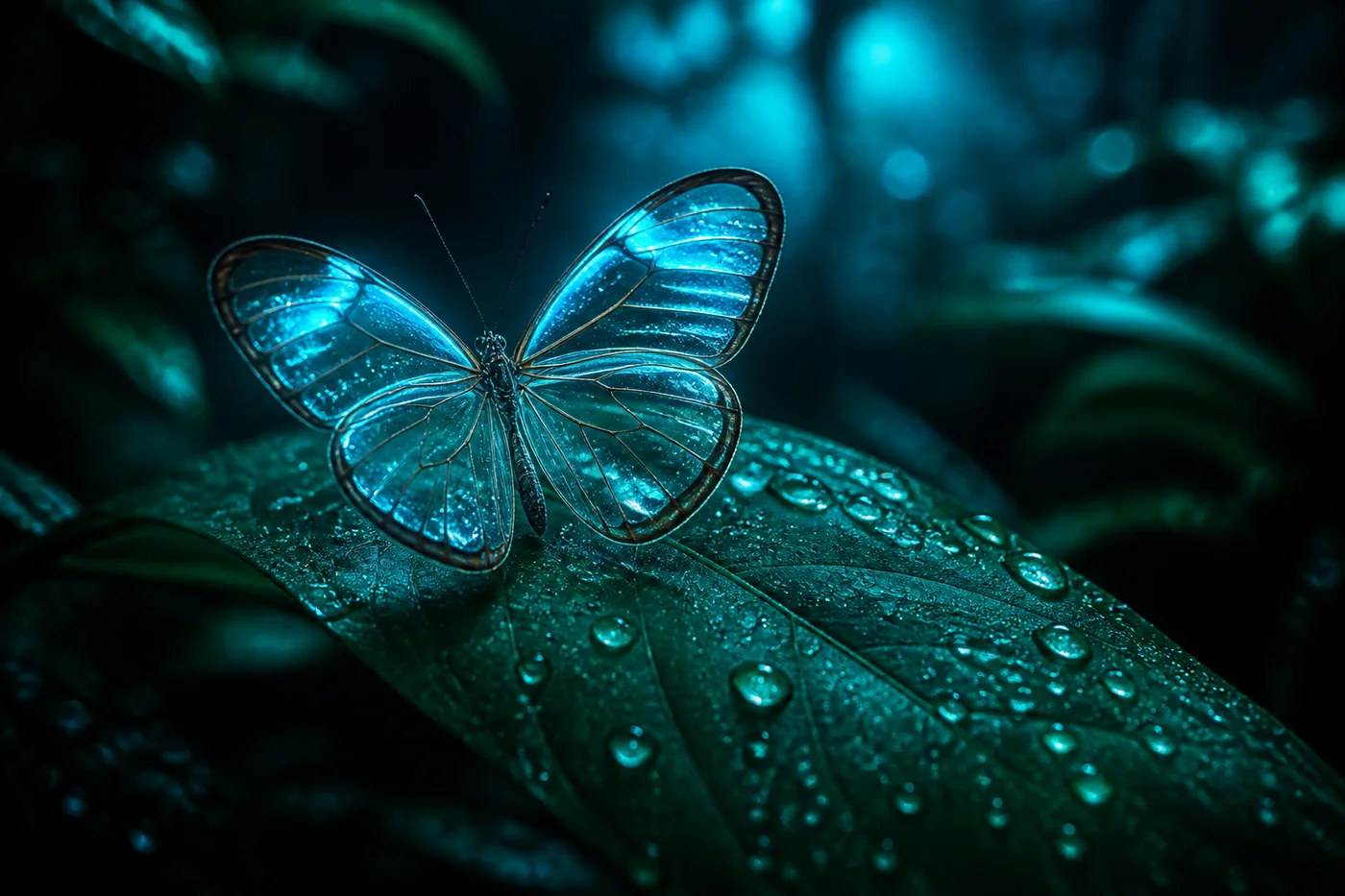
Glasswing butterfly resting on a dew-covered leaf
Prompt

Macro shot of a glasswing butterfly resting on a dew-covered leaf, cool cyan backlight, dark rainforest backdrop, shallow depth of field, soft teal bokeh.
02

Pick the shape your workflow actually needs

Switch between a plain prompt, one broken into labeled sections, a JSON object for automation, or wording tuned for Midjourney, Flux, Stable Diffusion, and more — same image, different output.

See the prompt styles →
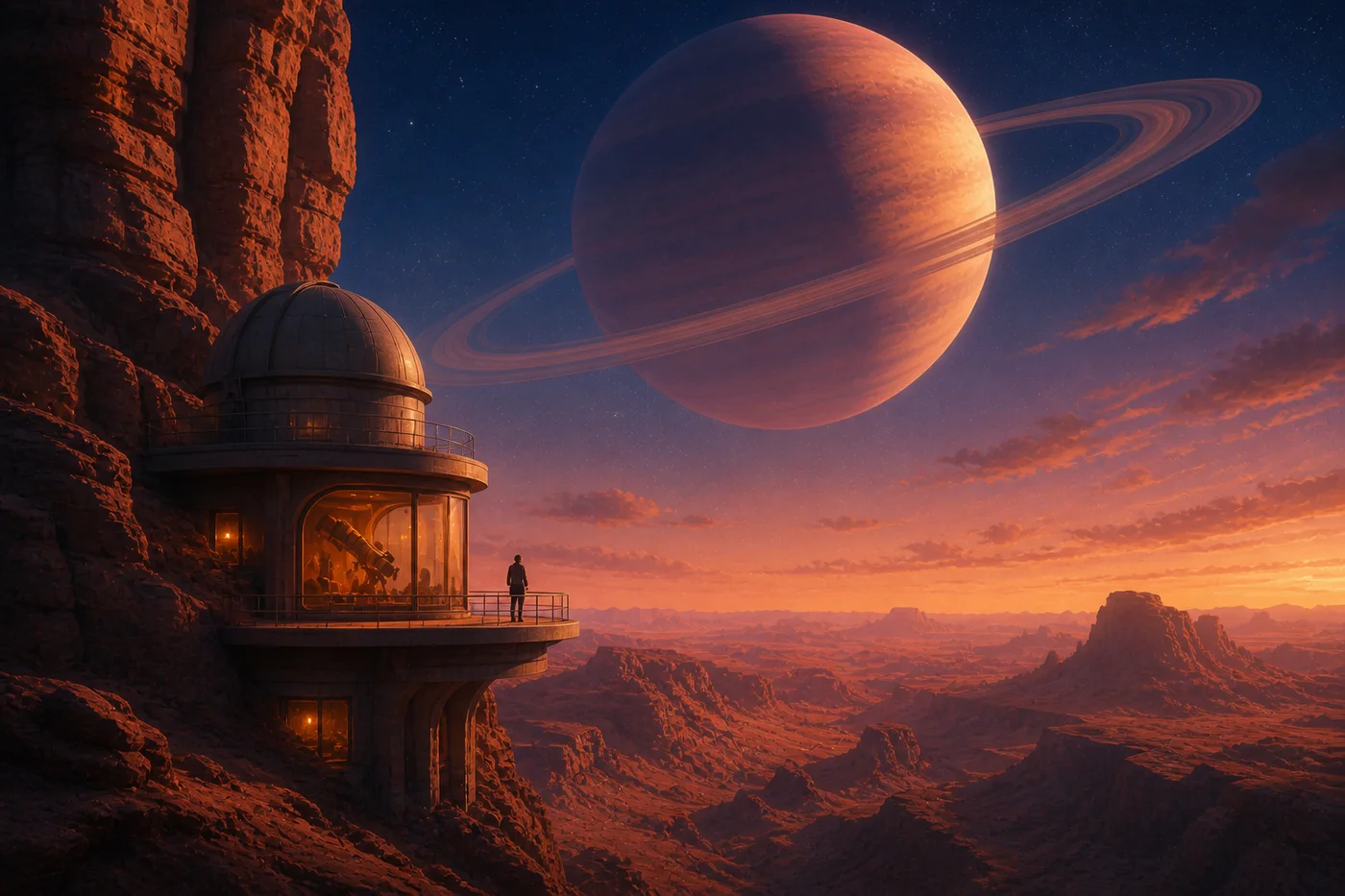
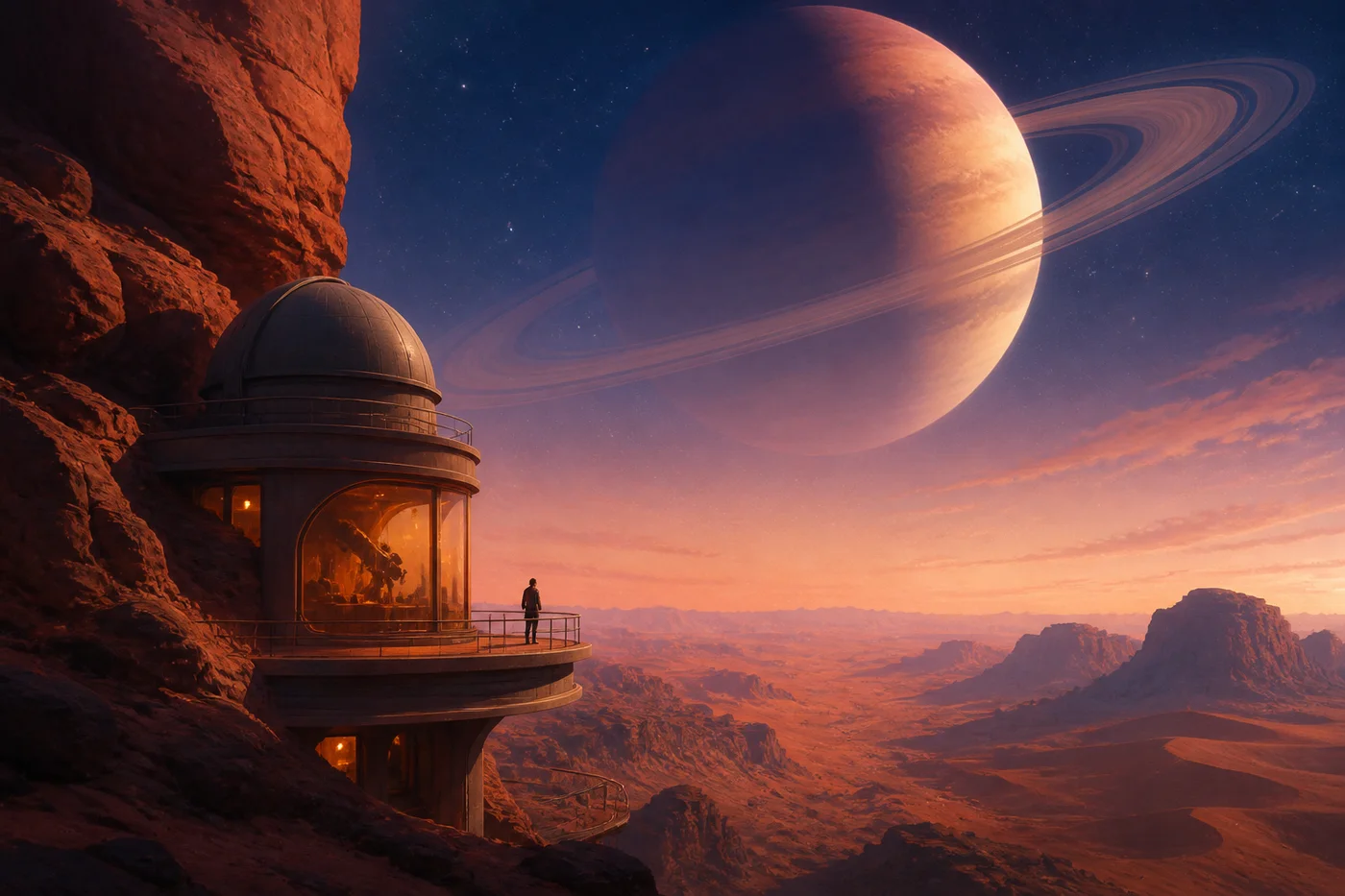
Canyon-side observatory beneath a ringed planet
Prompt

Wide-angle concept art of a canyon-side observatory beneath a massive ringed planet, warm window glow against an indigo dusk sky, painterly detail.

SEE THE OUTPUT

What a reconstructed prompt looks like in practice

Two examples of the kind of prompt this tool produces, and the sort of image that wording can guide an AI model toward.

Reference imageReference photo of a glasswing butterfly
→
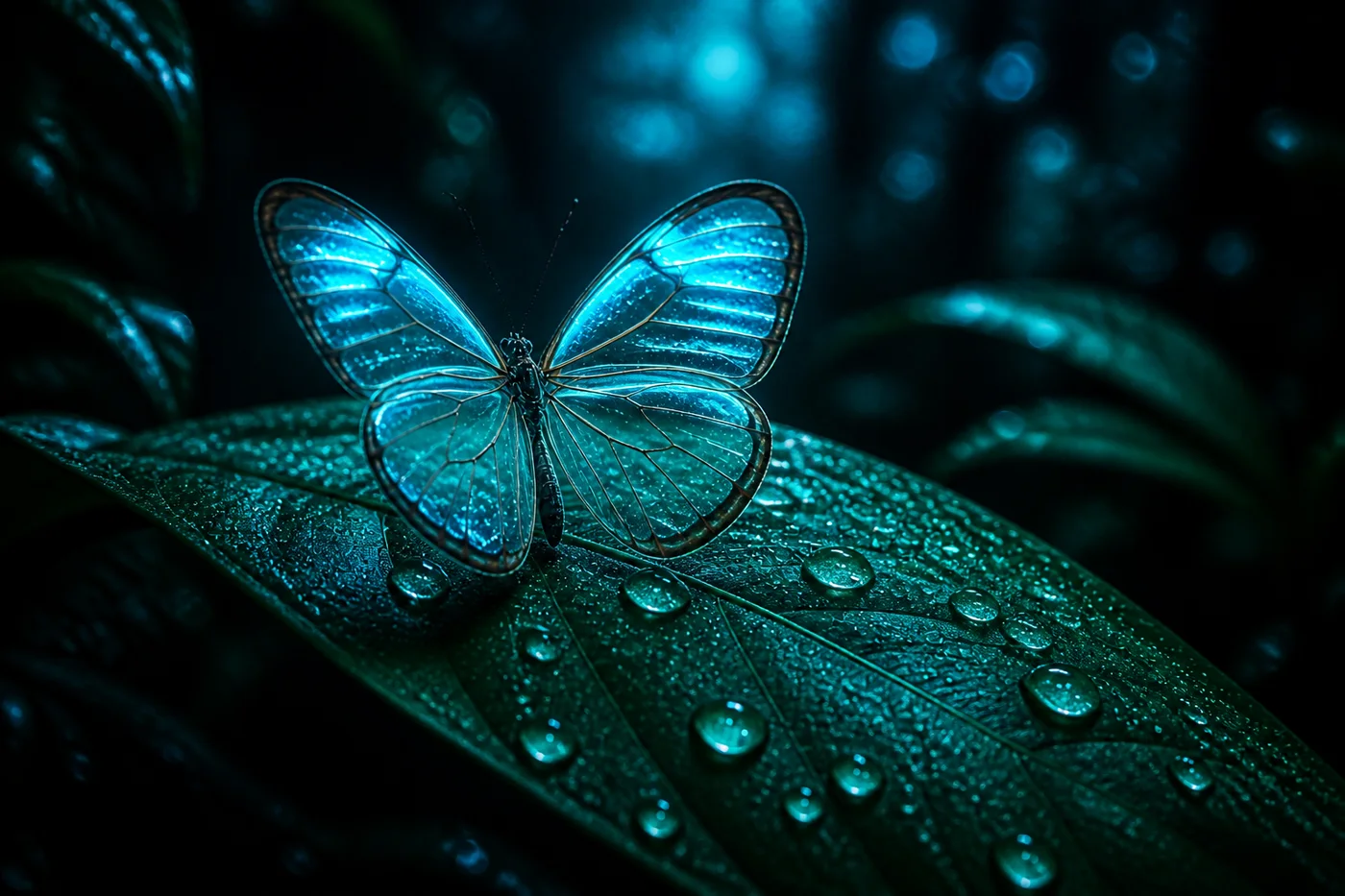
Example resultExample image guided by the generated prompt
Prompt used

Macro photograph of a glasswing butterfly perched on a rain-speckled leaf, cool cyan rim light, dark jungle background, shallow focus, teal-tinted bokeh, high detail.

Reference imageReference art of a canyon observatory
→
Example resultExample image guided by the generated prompt
Prompt used

Wide cinematic concept art of an observatory built into a terracotta canyon, lone figure on a balcony, enormous ringed planet overhead, amber interior light, indigo twilight sky.

Worth knowing: these are illustrative examples of the kind of prompt this tool produces — not a guarantee that any AI image model will reproduce pixel-identical results. Exact output always depends on the specific model, version, and settings you use.

FROM THE COMMUNITY

What people say about learning with Philip Hustle

Real feedback from students and creators across the Philip Hustle community.

“I've taken a lot of online courses, but Philip's approach is different. He doesn't just teach theory - he shows you the exact steps and tools he uses in his own business. After applying his methods, I finally launched a product that started selling within weeks.”

James CarterDigital Product Designer

“Philip overdelivers on every level. His content is honest, clear, and packed with value. You won't find many teachers who give this much real insight at such an accessible level”

Linda OkaforFreelance Coach

“I'm honestly blown away by Philip. He's a constant stream of generosity - always giving value, clarity, and encouragement. Watching his effort and passion in helping others is something truly inspiring. Thank you, Philip”

Maria LopezOnline Coach
GETTING STARTED

How to use Image to Prompt

From upload to a usable prompt in under a minute.

Example image ready for prompt analysis
  1. 1
    Add your image

    Upload a file, drag it in, or paste straight from your clipboard.

  2. 2
    Choose your output

    Pick a plain prompt, structured sections, JSON, or a specific AI platform.

  3. 3
    Let the AI look closer

    It reads composition, lighting, color, and style — not just the subject.

  4. 4
    Copy and go

    Drop the result into Midjourney, DALL-E, Flux, or wherever you create.

QUESTIONS

Frequently asked questions

Straight answers about how this tool works.

What does an image-to-prompt tool actually do?

It looks at what's visually in your photo — subject, lighting, color, composition, style — and turns that into a text prompt you can hand to an AI image generator.

Will it recreate my exact photo?

No tool can guarantee an identical result — the exact seed, camera settings, or private details behind the original image aren't recoverable from pixels alone. What you get is a detailed prompt built around the same visual direction.

What can I upload?

PNG, JPG, or WEBP files up to 4MB — click to browse, drag and drop, or paste directly from your clipboard.

Which AI platforms does it support?

General-purpose prompts, plus wording tuned specifically for Midjourney, DALL-E, Flux, Stable Diffusion, Seedream, and Nano Banana.

What's the difference between General, Structured, and JSON?

General gives you one natural-language prompt. Structured breaks it into labeled sections (subject, lighting, composition, and so on). JSON returns the same information as a machine-readable object.

Does Graphic Design mode work for non-photo images?

Yes — it's tuned for logos, posters, UI screens, and other design work, while the other styles lean more toward photography and illustration.

Can I edit the prompt after it's generated?

Yes — copy it and adjust anything: subject, colors, camera angle, style, or platform-specific parameters.

Is there a content policy?

Yes — uploads with NSFW or otherwise disallowed content aren't supported, and some images (like ones with a real, identifiable face) may occasionally be declined by the underlying AI for privacy reasons.