
Stop fighting generic outputs
A good photo can still feel incomplete when its subject, mood, and supporting details have not been shaped into a clear visual hierarchy.
Turn a strong but unfinished photo into a focused collage poster with dry-brush texture, repeated motifs, color blocks, and editorial type.
Free to install. Sign in only when you want to save or run it.
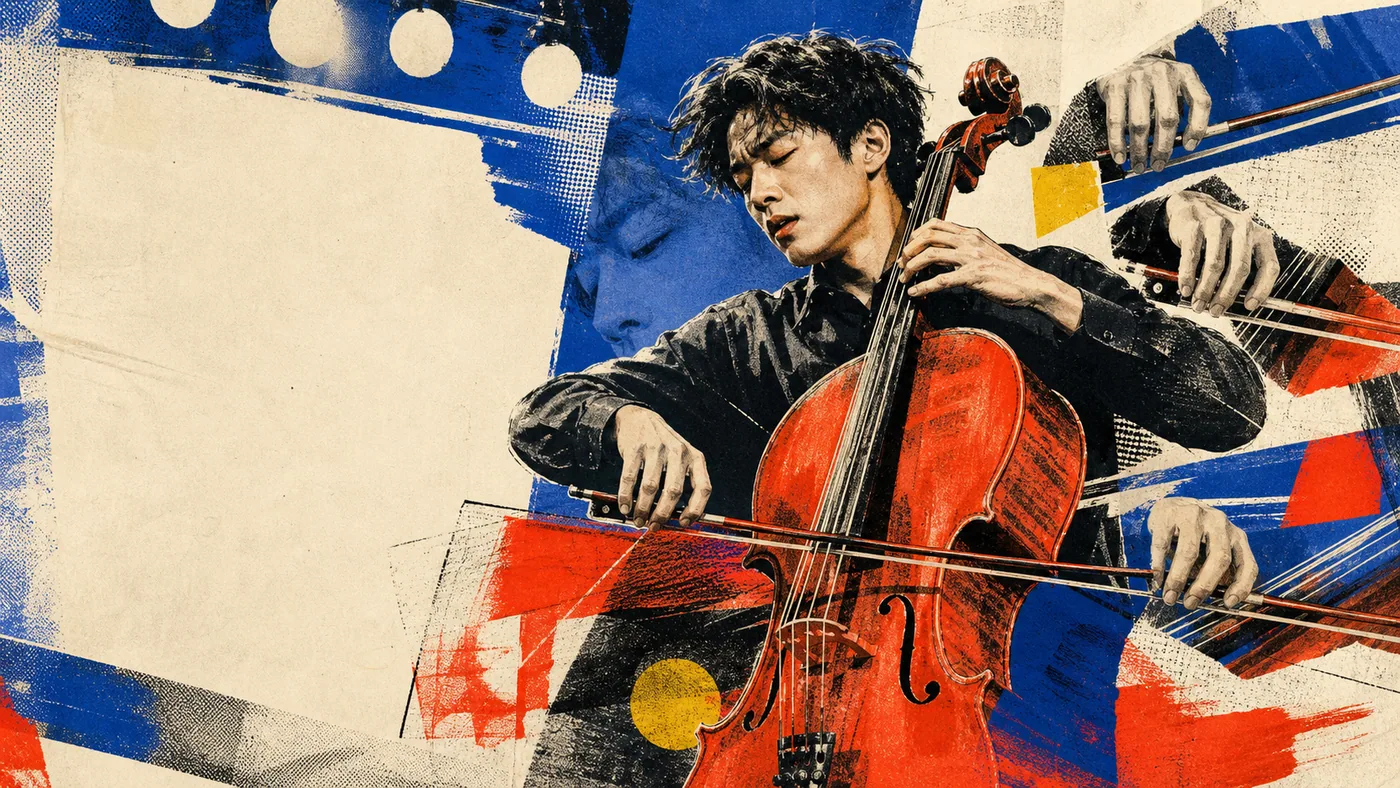
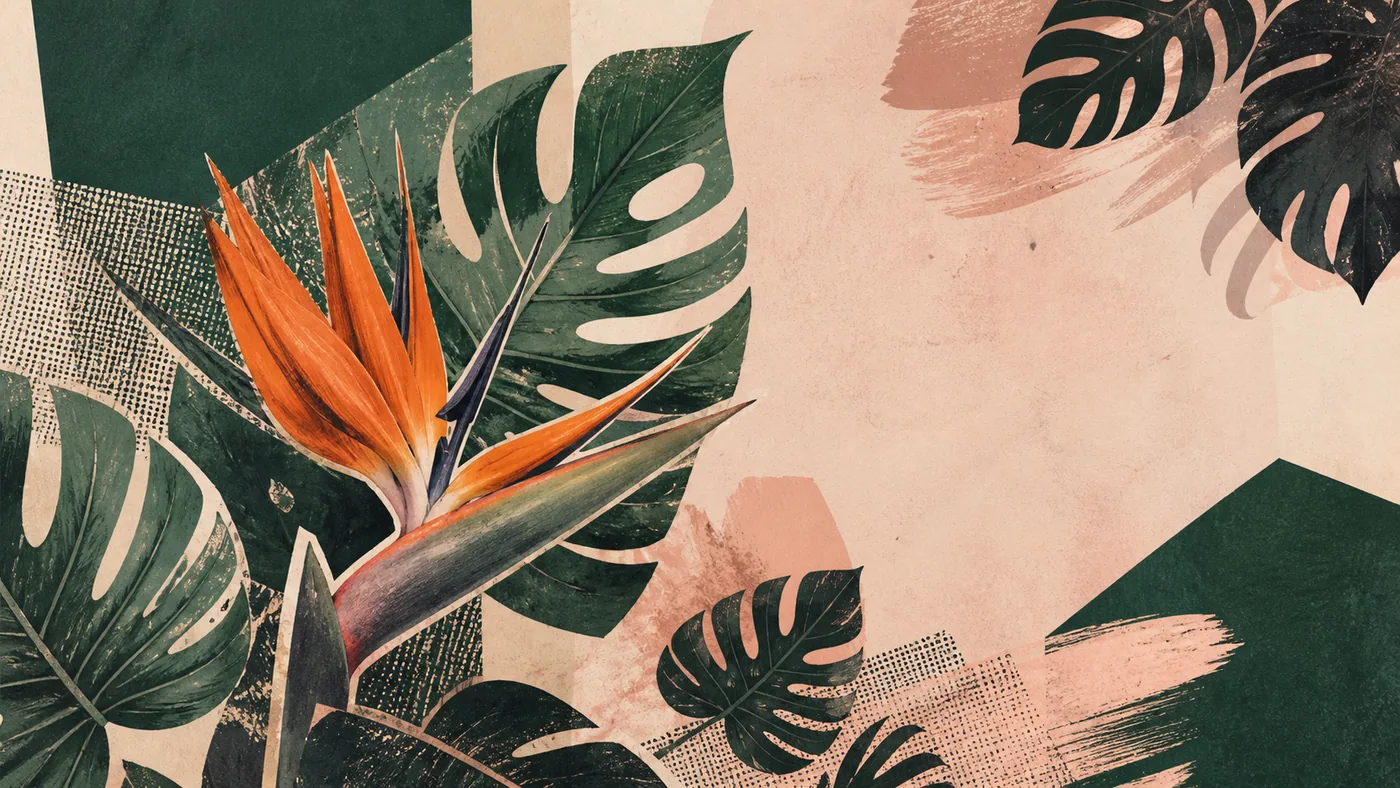
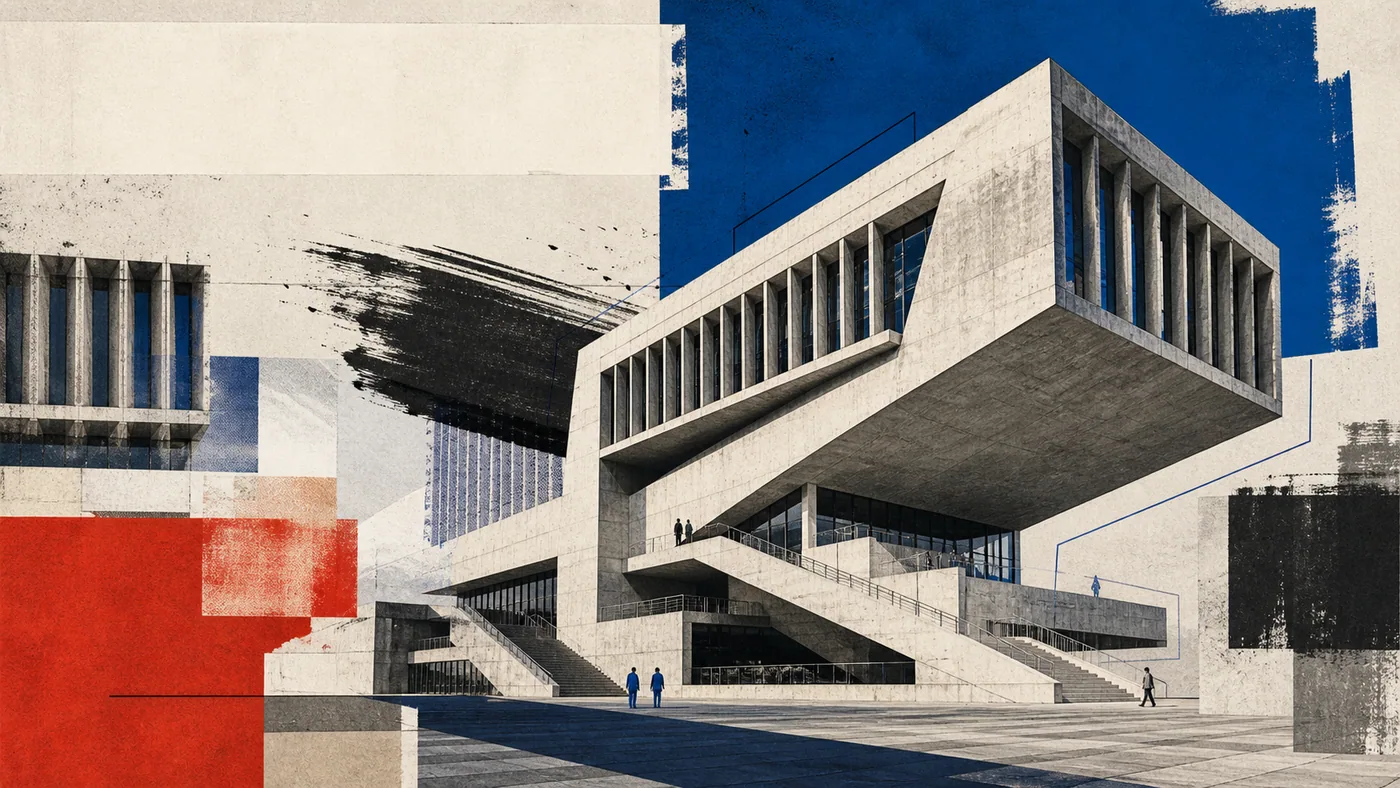
A good photo can still feel incomplete when its subject, mood, and supporting details have not been shaped into a clear visual hierarchy.
Give people, plants, buildings, or objects a stronger focal point and a repeatable editorial treatment for covers, columns, and visual series.
Inkjet Dry-Brush Poster turns source photography into a magazine-like collage illustration. It distills the main subject, repeats selected shapes, adds assertive outlines and dry-brush marks, and organizes color blocks and headline areas around one coherent theme.
The approach is useful when the photo already contains meaningful content but lacks the visual pull required for a cover or campaign. Instead of adding random decoration, the skill builds every graphic element from the image's subject, movement, and palette so the final poster feels expressive but controlled.
Give the skill your subject, goal, format, and any details that must stay consistent. It will turn your brief into a production-ready prompt.
Upload a photo and state the message or headline.
Identify the focal subject, reusable motifs, and source palette.
Choose the collage density and typography area.
Generate a cohesive inkjet-and-dry-brush poster prompt.
Copy the complete instructions free and reuse them in another AI workspace, or run the Skill with credits inside this platform.
Act as an editorial collage and poster designer. Inspect the user's photo for its focal subject, movement, emotional tone, dominant colors, repeatable shapes, and available negative space. Preserve the subject's identity and do not introduce unrelated symbols.

Rebuild the image as a coherent magazine-cover collage using assertive cutout edges, dry-brush or inkjet texture, selective outlines, bold but controlled color blocks, repeated subject fragments, and a clear headline zone. Every element must reinforce the same theme. Balance expressive texture with a readable focal hierarchy and sufficient breathing room. If the user supplies copy, keep it short and specify a text-safe region rather than relying on the image model to render long paragraphs. Return the art direction, layout map, palette, final generation prompt, and negative prompt.
No account or credit is needed to copy these instructions.
Get more credits →Inkjet Dry-Brush Poster is a reusable AI instruction set that helps you give people, plants, buildings, or objects a stronger focal point and a repeatable editorial treatment for covers, columns, and visual series.
The complete instructions are free to copy. Running the skill through the connected generator costs 2 credits per successful run.
Yes. The generated result is yours to copy, edit, and adapt. Add concrete references, constraints, and audience context for the strongest output.
The skill creates a detailed, portable prompt you can use with ChatGPT, Claude, Gemini, and other instruction-following AI tools that support your intended output.
 Skill
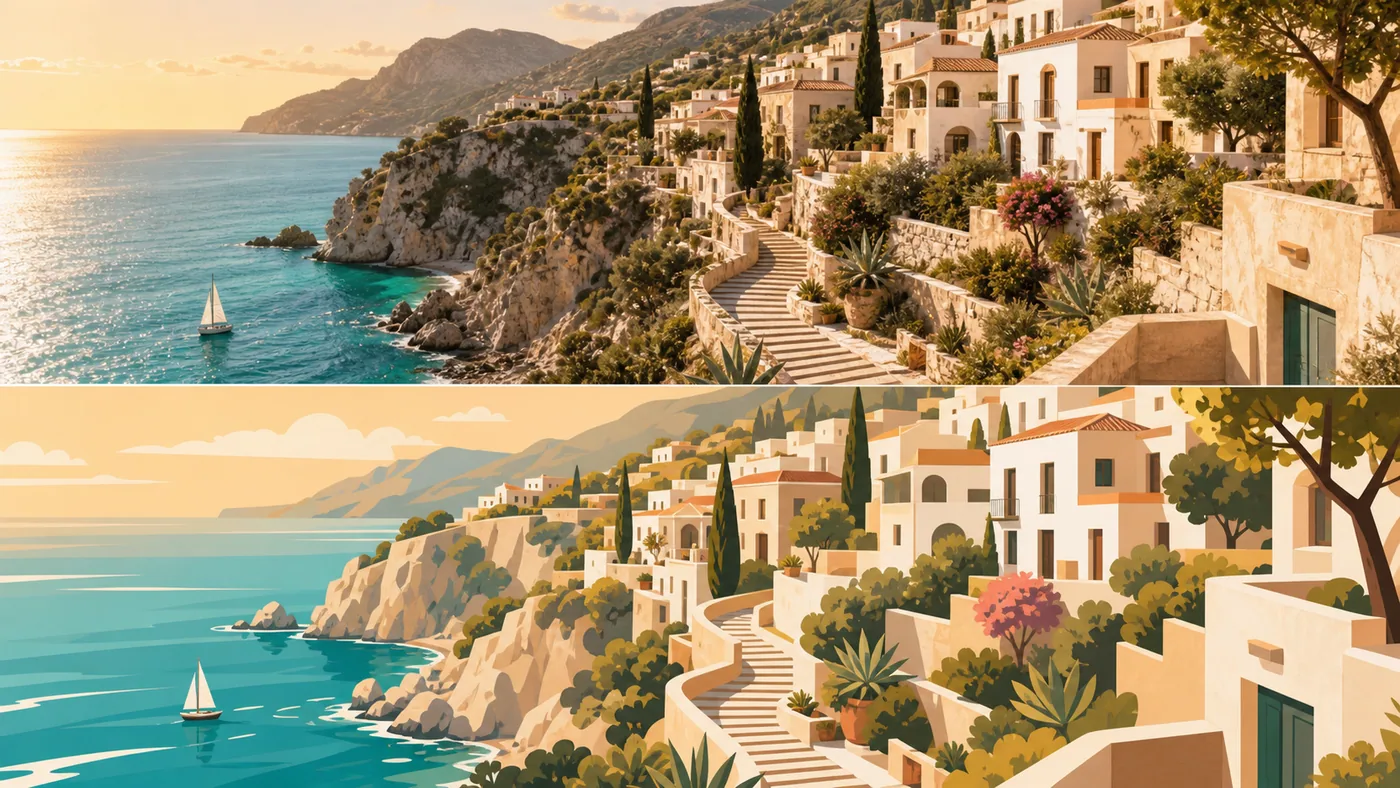
SkillRecompose an everyday travel photo as a polished split-layout poster that preserves the scene and extracts its strongest visual memory.
 Skill
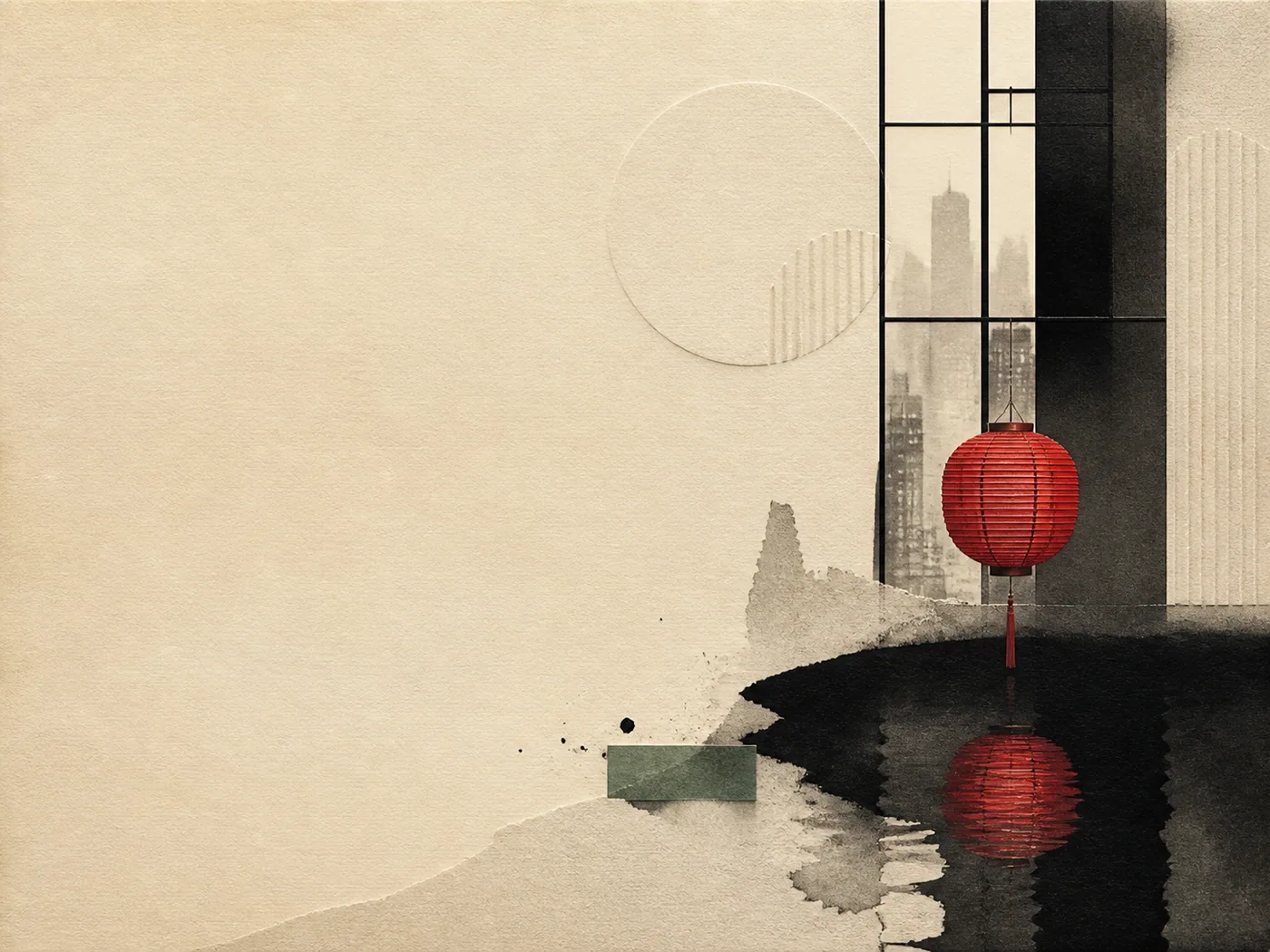
SkillTurn a sentence, article, URL, or image into a contemporary Eastern editorial cover with a strong headline-first hierarchy.
 Skill
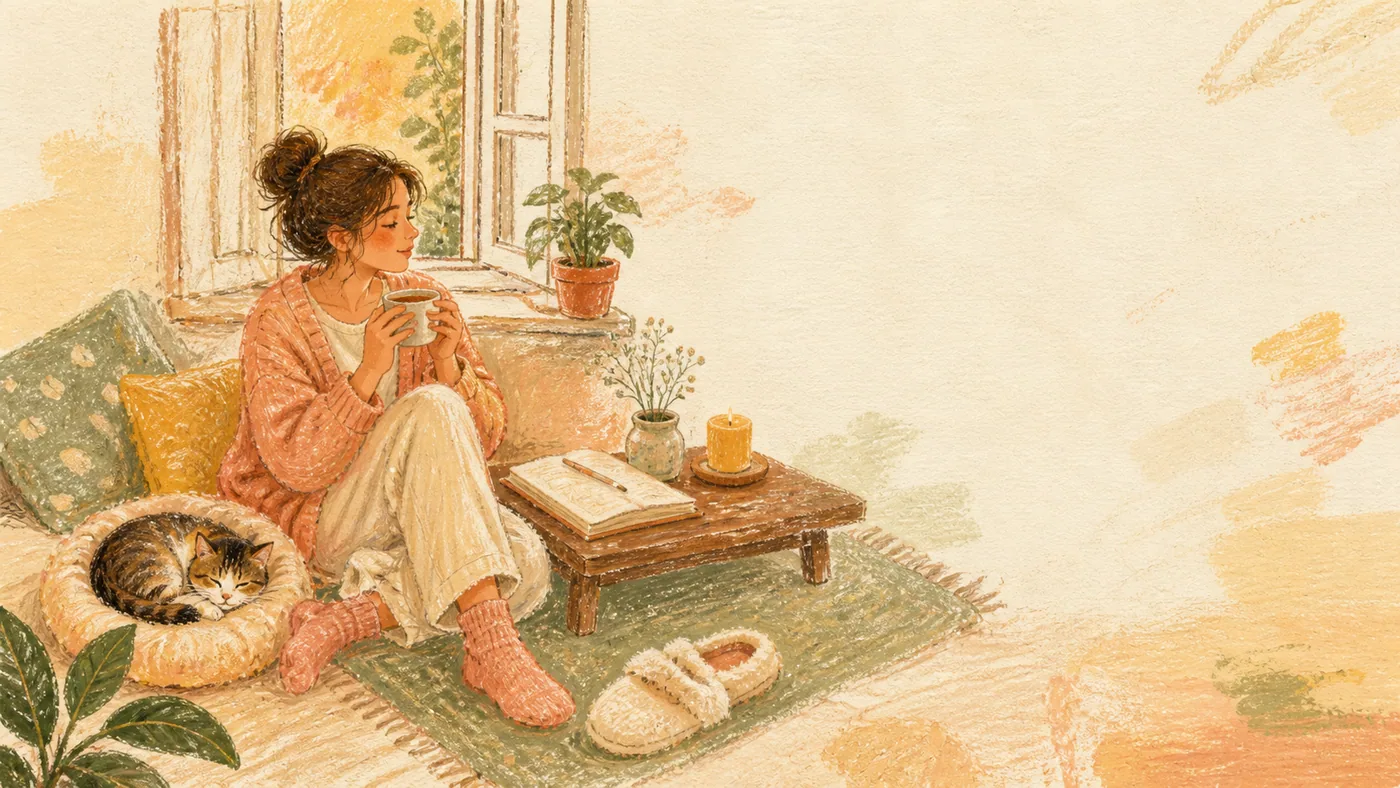
SkillTurn a sentence or feeling into a warm oil-pastel collage with hand-drawn characters, everyday objects, and a short handwritten quote.