
Stop fighting generic outputs
Creators can generate attractive paper-art frames but often lack a coherent script, consistent paper engineering, and motion directions that make the sequence work as a story.
Plan a textured paper-sculpture video from script to storyboard, still-image prompts, motion prompts, narration, and edit handoff.
Free to install. Sign in only when you want to save or run it.

Creators can generate attractive paper-art frames but often lack a coherent script, consistent paper engineering, and motion directions that make the sequence work as a story.
Move from topic to an organized, handcrafted-looking video package without separately planning narration, shots, image prompts, and motion behavior.
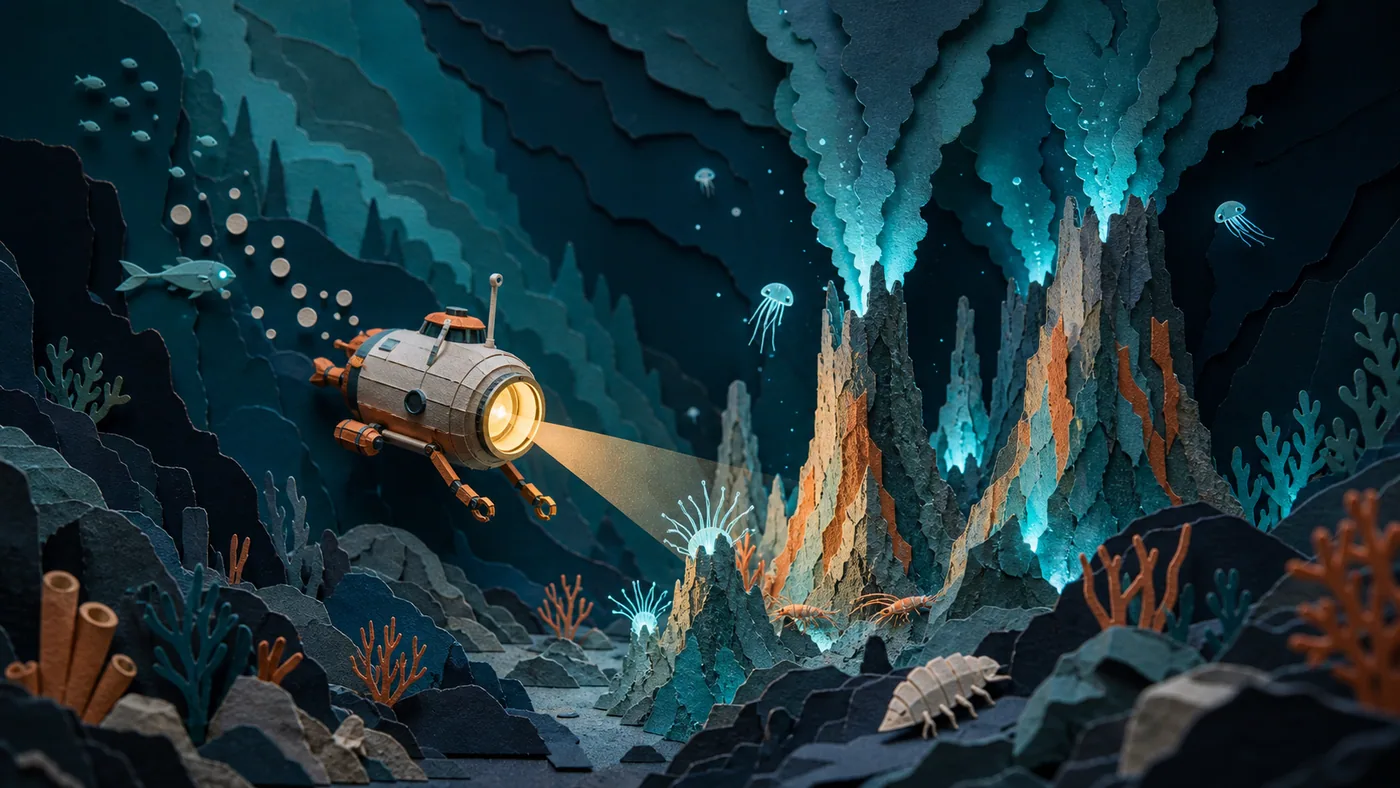
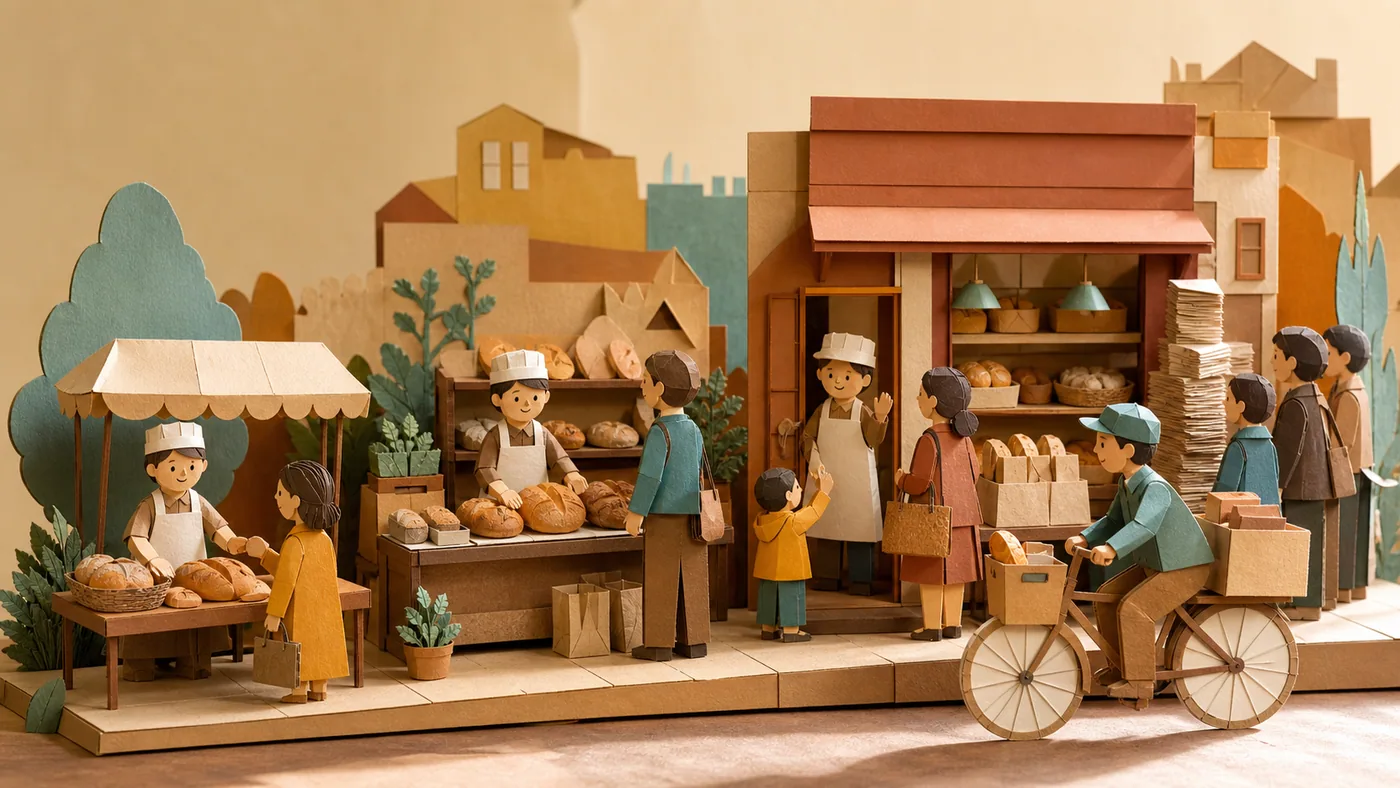
Vox Paper Stop-Motion is a prompt-only production planner for textured editorial videos. It breaks a historical story, business case, or science concept into a paced narration, then converts each sentence into a self-contained paper-sculpture keyframe prompt and a matching motion direction.
The art direction specifies cardstock layers, cut-edge marks, hand-glued seams, cast shadows, hero subjects, and coordinated colors so frames feel constructed rather than digitally painted. It also provides a practical free-credit workflow using a writing model for scripting, an image and video generator for selected shots, ElevenLabs for narration, Suno for optional music, and CapCut for subtitles and final assembly. Third-party limits and availability may change, so users should verify current terms before production.
Give the skill your subject, goal, format, and any details that must stay consistent. It will turn your brief into a production-ready prompt.
Choose a topic, duration, audience, and source material.
Approve the narration arc and sentence-level shot list.
Generate consistent paper-sculpture keyframe and motion prompts.
Create narration and optional music in external tools.
Assemble clips, captions, and audio in an editor.
Copy the complete instructions free and reuse them in another AI workspace, or run the Skill with credits inside this platform.
Act as a paper-stop-motion visual director and narrative producer. This skill produces scripts and prompts, not finished video files. Ask for topic, audience, duration, factual sources, aspect ratio, and desired tone. Build a clear narrative arc, then split it into sentence-level shots with natural pacing.

For every shot provide narration, visual purpose, hero subject, foreground/midground/background layers, cardstock thickness, torn or laser-cut edges, hand-glued seams, paper grain, cast shadows, palette, still-image prompt, and a separate image-to-video motion prompt. Motion should feel handmade: incremental assembly, gentle parallax, paper hinges, stamped labels, or subtle breathing rather than liquid morphing. Keep hero subjects and palette consistent. End with a production checklist for batch image generation, selective video generation, narration, music, subtitles, and editing. Note that external tools, prices, and free-credit policies must be checked by the user.
No account or credit is needed to copy these instructions.
Get more credits →Vox Paper Stop-Motion is a reusable AI instruction set that helps you move from topic to an organized, handcrafted-looking video package without separately planning narration, shots, image prompts, and motion behavior.
The complete instructions are free to copy. Running the skill through the connected generator costs 3 credits per successful run.
Yes. The generated result is yours to copy, edit, and adapt. Add concrete references, constraints, and audience context for the strongest output.
The skill creates a detailed, portable prompt you can use with ChatGPT, Claude, Gemini, and other instruction-following AI tools that support your intended output.
 Skill
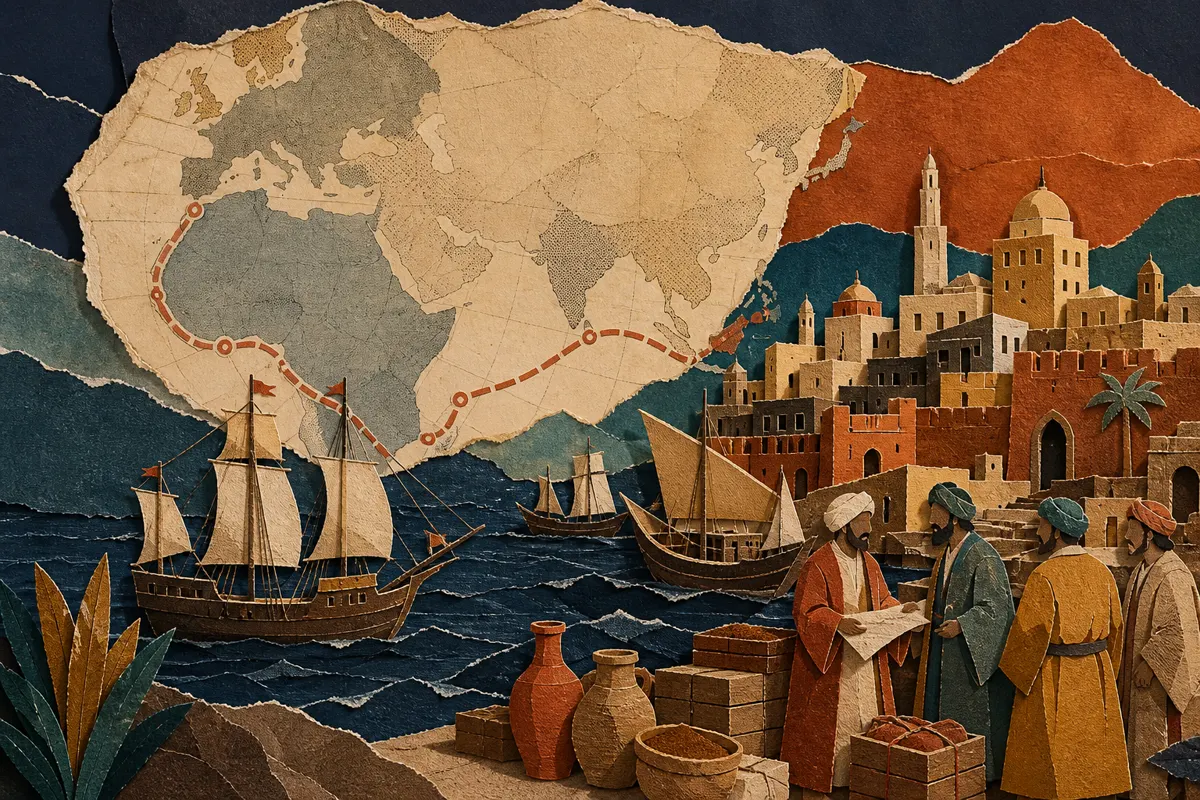
SkillBuild a concise history-explainer package with a conversational script, nine paper-collage storyboards, and image-to-video motion prompts.
 Skill
SkillTurn a serious topic into a nine-shot, printmaking-inspired 2.5D video plan with narration, keyframes, motion, and audio direction.
 Skill
SkillTurn an idiom, historical anecdote, or fable into a continuous 15- or 30-second storyboard ready for AI video generation.