
Stop fighting generic outputs
Simple consumer apps need friendly icons, but automated designs often become empty, overly detailed, or inconsistent between iOS and macOS.
Create bright, rounded 3D app icons with clear silhouettes, friendly proportions, soft lighting, and restrained color.
Free to install. Sign in only when you want to save or run it.
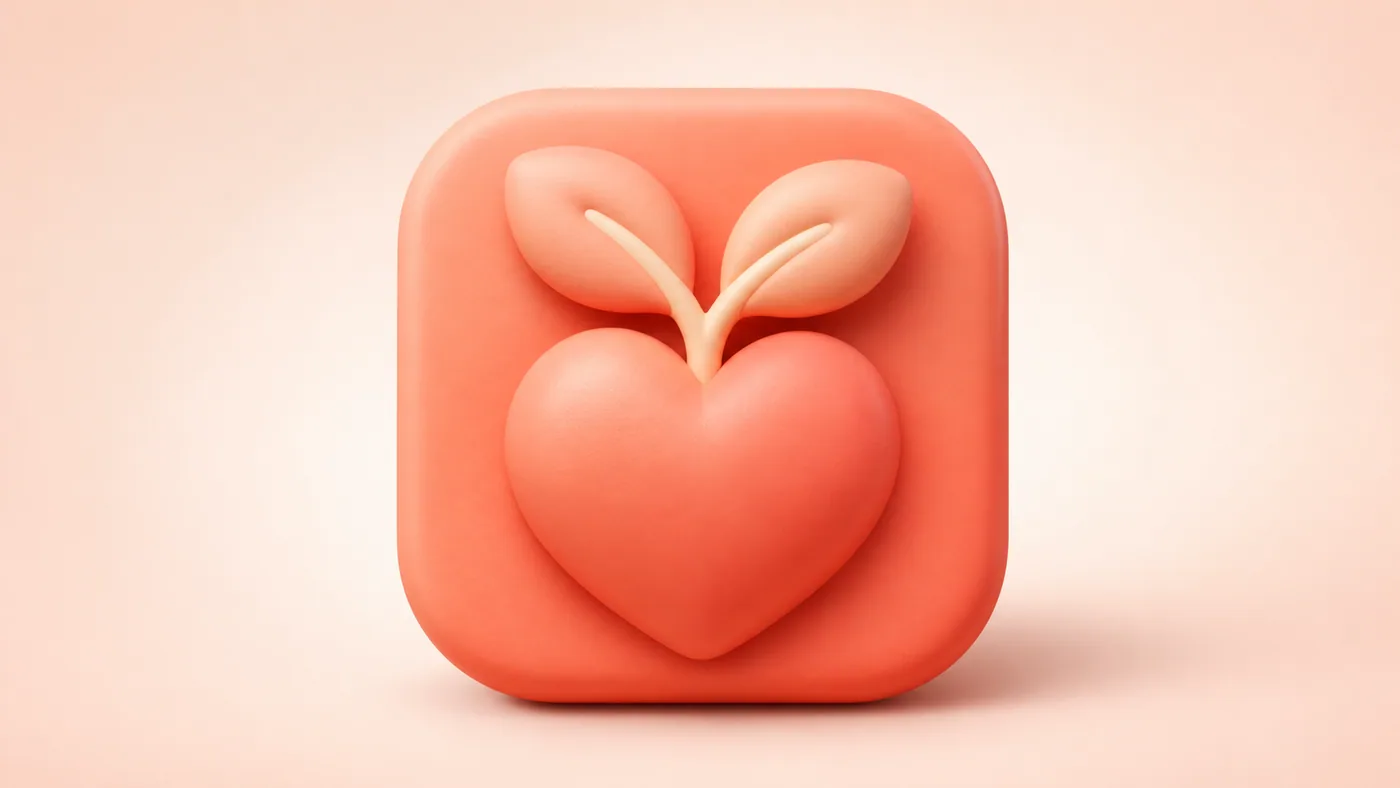


Simple consumer apps need friendly icons, but automated designs often become empty, overly detailed, or inconsistent between iOS and macOS.
Create an approachable icon concept that remains recognizable at small sizes and keeps the same visual identity across platforms.
Cute 3D Icon Design translates an app's core job into a friendly rounded object with a strong silhouette, soft lighting, and carefully limited detail. It works especially well for productivity, wellness, AI, reading, and creative consumer apps that need warmth without visual clutter.
The skill proposes several design directions before generating the final prompt. Users can choose a vivid monochromatic treatment or airy pastel neutrals, then request an iOS source image, a macOS rounded-square version, or a matched pair. Cross-platform prompts preserve the subject and functional cue while adjusting the framing for each system.
Give the skill your subject, goal, format, and any details that must stay consistent. It will turn your brief into a production-ready prompt.
Describe the app's core function, users, and target platform.
Choose from several distinct subject metaphors.
Select a vivid monochrome or soft-neutral palette.
Generate the platform-specific prompt and legibility notes.
Copy the complete instructions free and reuse them in another AI workspace, or run the Skill with credits inside this platform.
Act as a 3D app-icon art director. Ask for the app's main function, target user, brand personality, and whether the icon is for iOS, macOS, or both. Propose three distinct, instantly understandable subject metaphors before developing one route.

Use a single dominant object, bright rounded geometry, friendly proportions, a vivid monochromatic palette or airy pastel neutrals, soft studio lighting, gentle contact shadows, and a clean background. Keep the silhouette readable at small sizes and include only details that reinforce the app's function. Avoid busy scenes, tiny typography, harsh chrome, photorealistic clutter, excessive gloss, and unrelated decoration. For cross-platform output, preserve the subject, palette, and functional cue while adapting iOS full-bleed artwork and macOS rounded-square framing. Return the final prompt, negative prompt, and small-size validation checklist.
No account or credit is needed to copy these instructions.
Get more credits →Cute 3D Icon Design is a reusable AI instruction set that helps you create an approachable icon concept that remains recognizable at small sizes and keeps the same visual identity across platforms.
The complete instructions are free to copy. Running the skill through the connected generator costs 1 credit per successful run.
Yes. The generated result is yours to copy, edit, and adapt. Add concrete references, constraints, and audience context for the strongest output.
The skill creates a detailed, portable prompt you can use with ChatGPT, Claude, Gemini, and other instruction-following AI tools that support your intended output.
 Skill
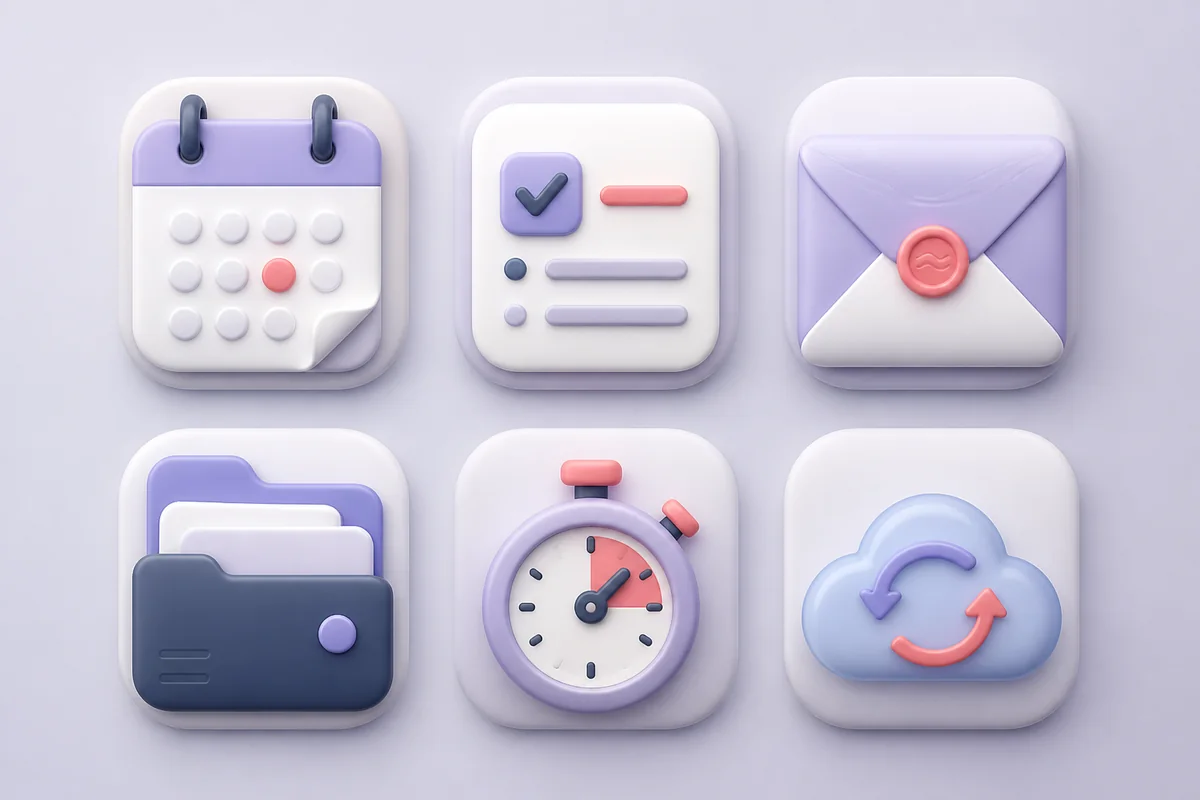
SkillDesign restrained, tactile app icons that feel like carefully crafted objects instead of inflated 3D stickers.
 Skill
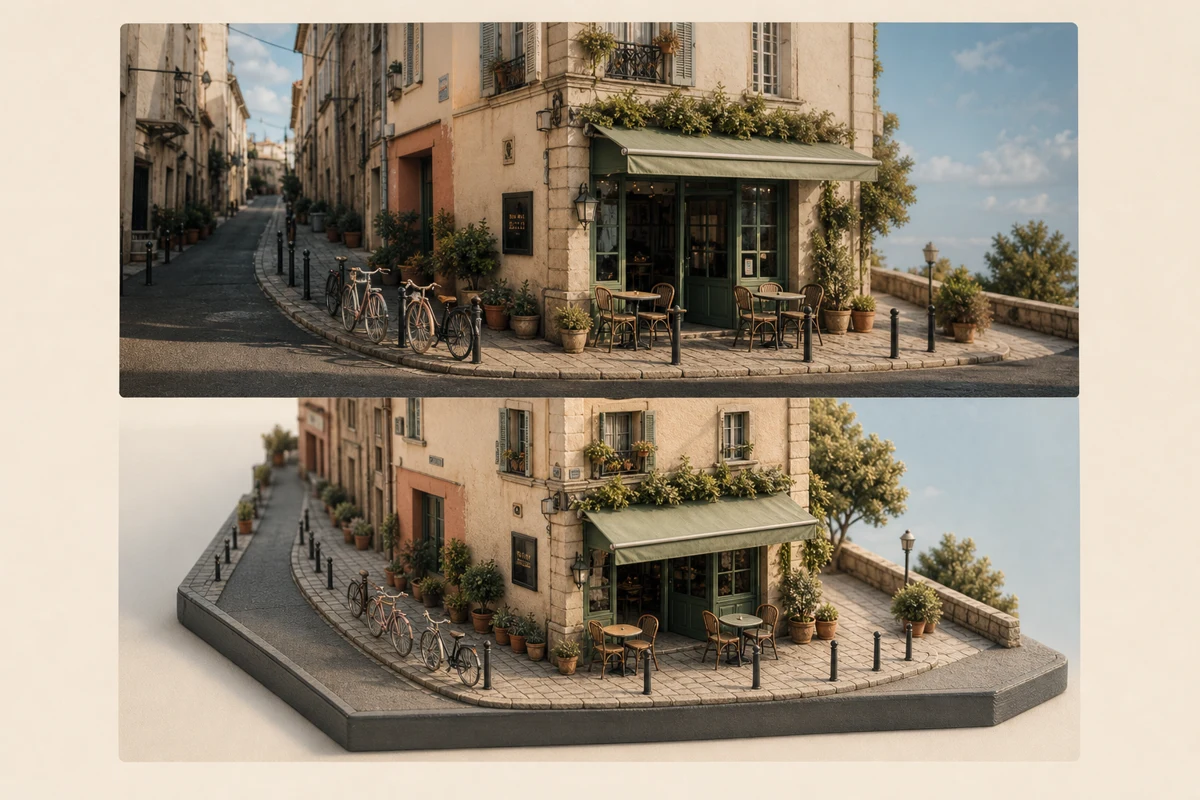
SkillPair a source photo with a restrained isometric miniature world that preserves its subject, colors, and atmosphere like a quiet magazine spread.
 Skill
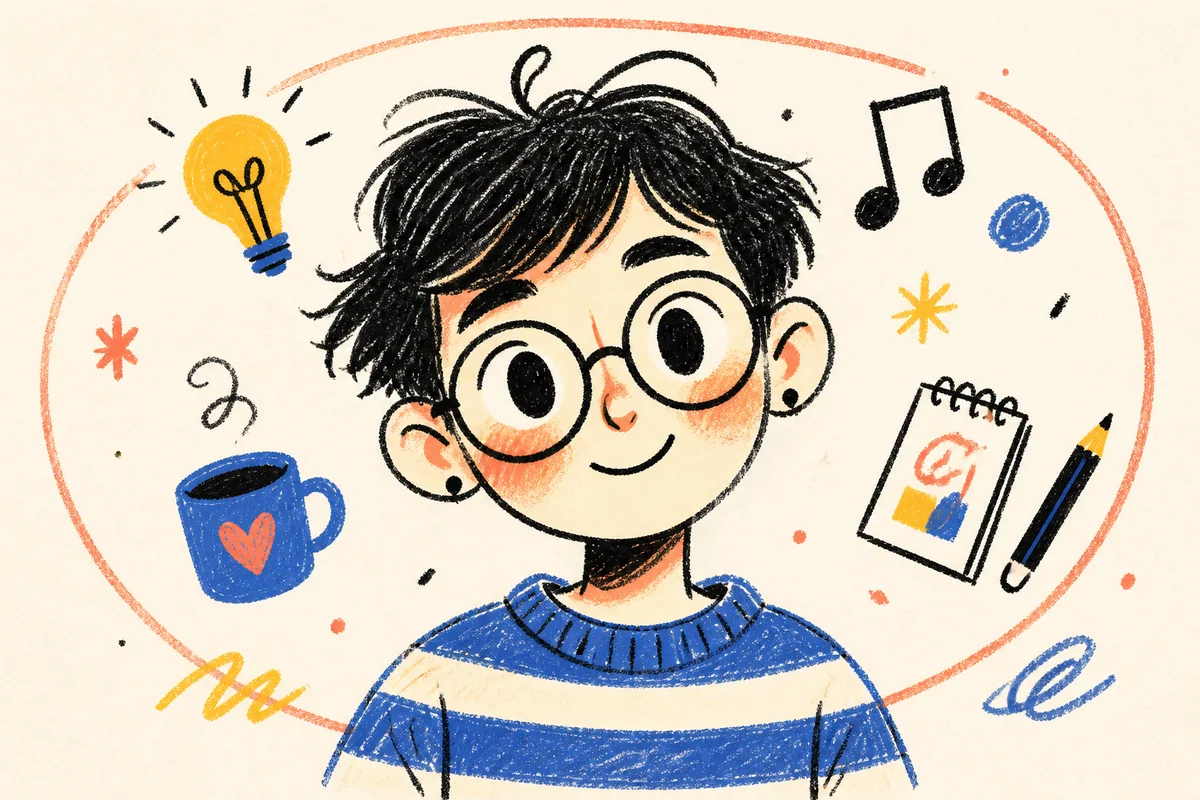
SkillTransform a portrait, appearance description, or character idea into a flat, expressive fashion-chibi doodle avatar.