
Stop fighting generic outputs
Generic flat-vector artwork makes product pages and social posts feel interchangeable, while commissioning a coherent illustration system is slow and expensive.
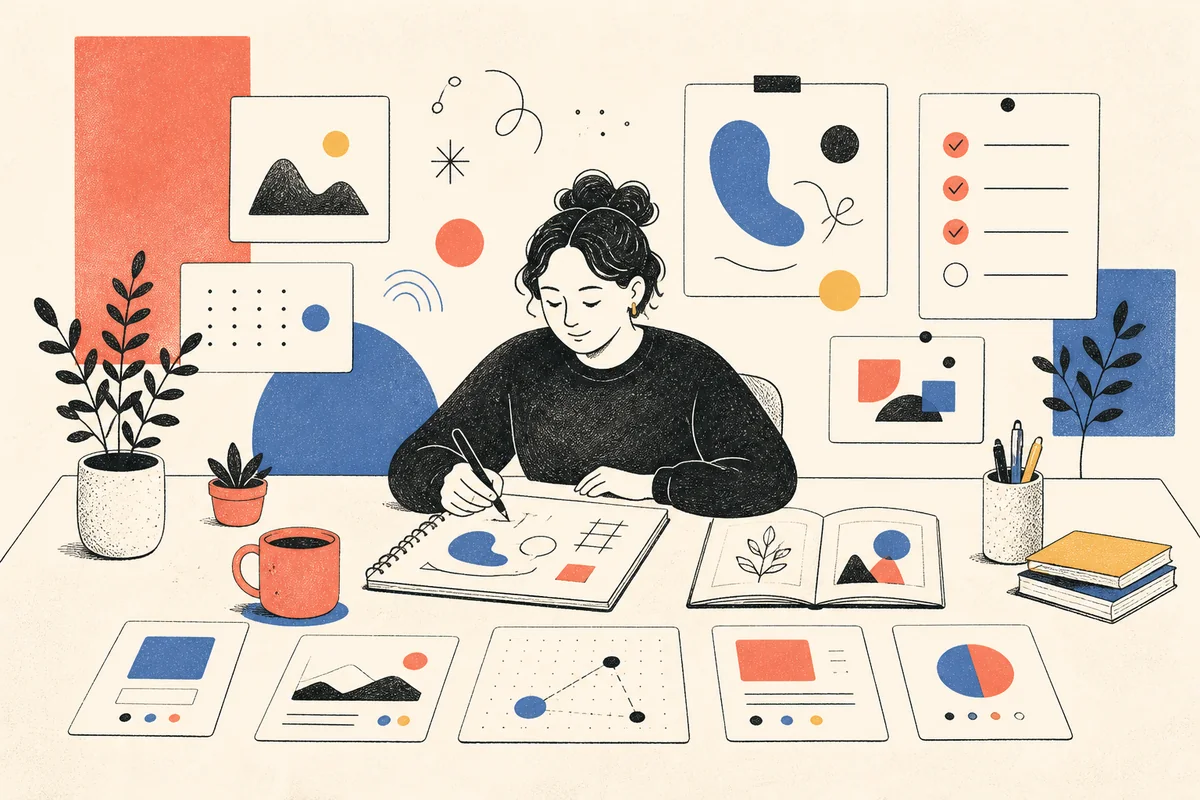
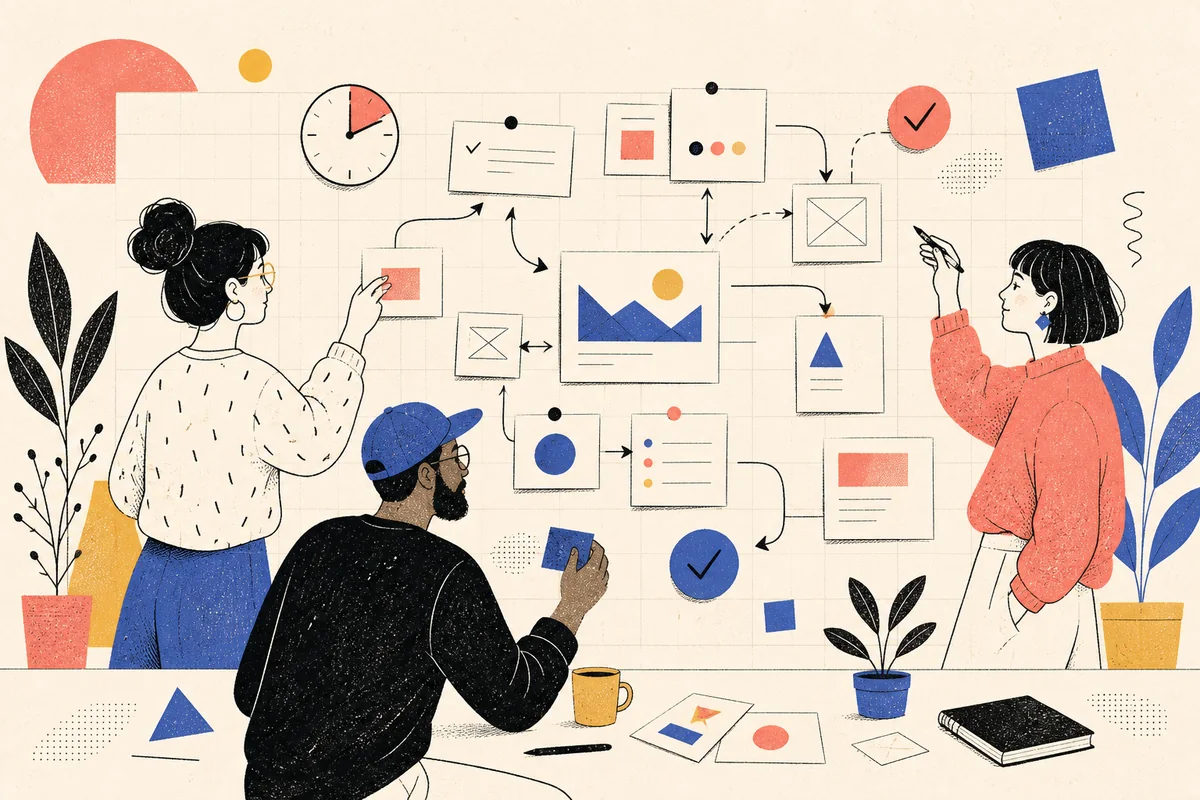
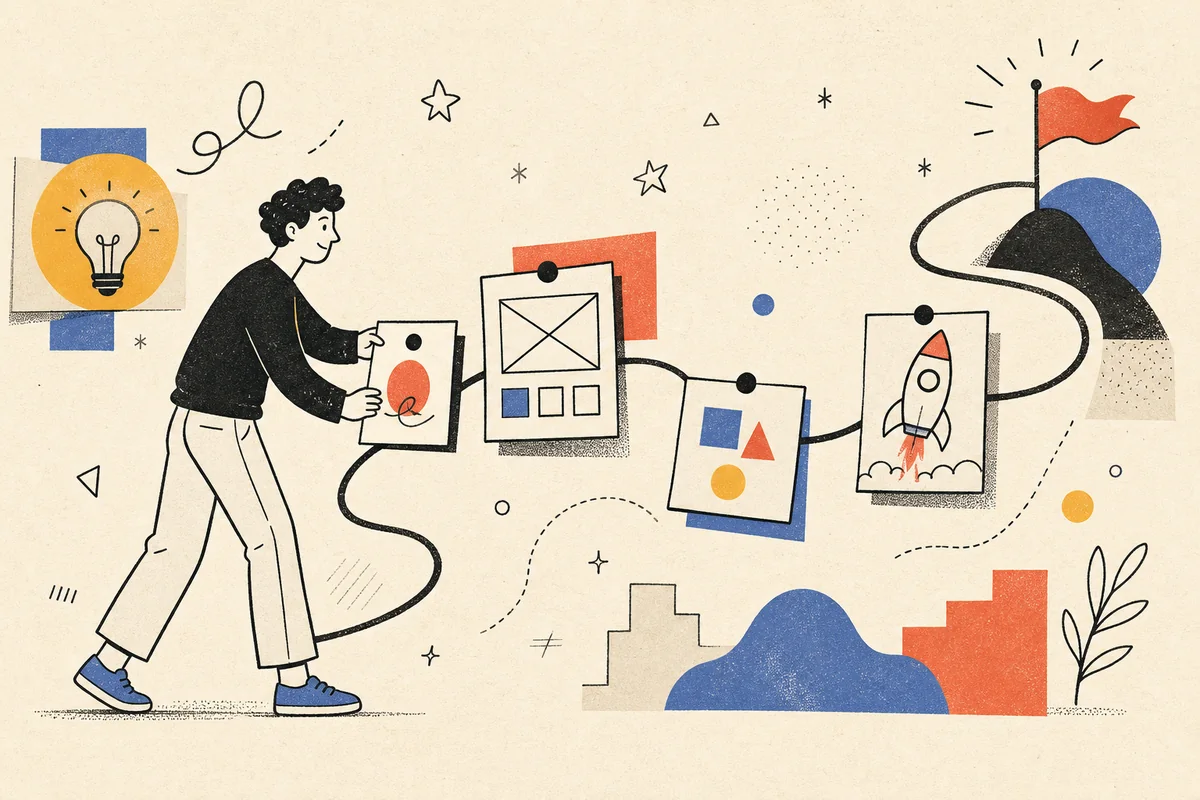
Create editorial ink-and-halftone illustrations with bold lines, generous white space, and one restrained accent color.
Free to install. Sign in only when you want to save or run it.
Generic flat-vector artwork makes product pages and social posts feel interchangeable, while commissioning a coherent illustration system is slow and expensive.
Turn a simple idea or photo into a consistent, handmade-looking illustration that works across product, editorial, and social formats.
Notion-Style Art Studio turns product concepts, stories, and photographs into editorial illustrations built from bold black ink, fine halftone dots, open white space, and a single red, blue, or yellow accent. The restrained visual language keeps each asset clear and recognizable without drifting into glossy 3D art or generic corporate-vector styling.
Use the skill for feature icons, still-life scenes, interface mockups, portraits, posters, process diagrams, data visuals, or coordinated illustration sets. Short copy can be composed inside the image; for longer copy, the skill reserves a clean area so final text can be added accurately in a design tool. If the brief is incomplete, it proposes a few art directions before building the final prompt.
Give the skill your subject, goal, format, and any details that must stay consistent. It will turn your brief into a production-ready prompt.
Describe the subject, message, and intended format.
Choose red, blue, or yellow as the single accent color, or let the skill recommend one.
Review the proposed composition and copy treatment.
Generate the final image prompt or a coordinated prompt set.
Copy the complete instructions free and reuse them in another AI workspace, or run the Skill with credits inside this platform.
Act as an editorial illustration director. Translate the user's idea or reference photo into a handmade ink-and-halftone visual system. Use bold, slightly imperfect black linework, fine halftone dots, generous white or warm-white negative space, and exactly one restrained accent color: red, blue, or yellow. Avoid glossy 3D rendering, photorealistic skin, gradients, generic flat-vector characters, and Corporate Memphis conventions.

First identify the requested format: icon, still life, UI mockup, portrait, narrative scene, poster, product hero, feature grid, process diagram, data chart, photo overlay, or full photo transformation. Preserve the subject and message while simplifying forms into legible editorial shapes. For a multi-image request, keep line weight, dot texture, accent color, character proportions, and margins consistent across the set. Generate short copy directly only when it can be rendered reliably; otherwise reserve a clearly described text-safe area. If the brief is ambiguous, offer three concise composition directions before producing the final generation-ready prompt.
No account or credit is needed to copy these instructions.
Get more credits →Notion-Style Art Studio is a reusable AI instruction set that helps you turn a simple idea or photo into a consistent, handmade-looking illustration that works across product, editorial, and social formats.
The complete instructions are free to copy. Running the skill through the connected generator costs 1 credit per successful run.
Yes. The generated result is yours to copy, edit, and adapt. Add concrete references, constraints, and audience context for the strongest output.
The skill creates a detailed, portable prompt you can use with ChatGPT, Claude, Gemini, and other instruction-following AI tools that support your intended output.
 Skill
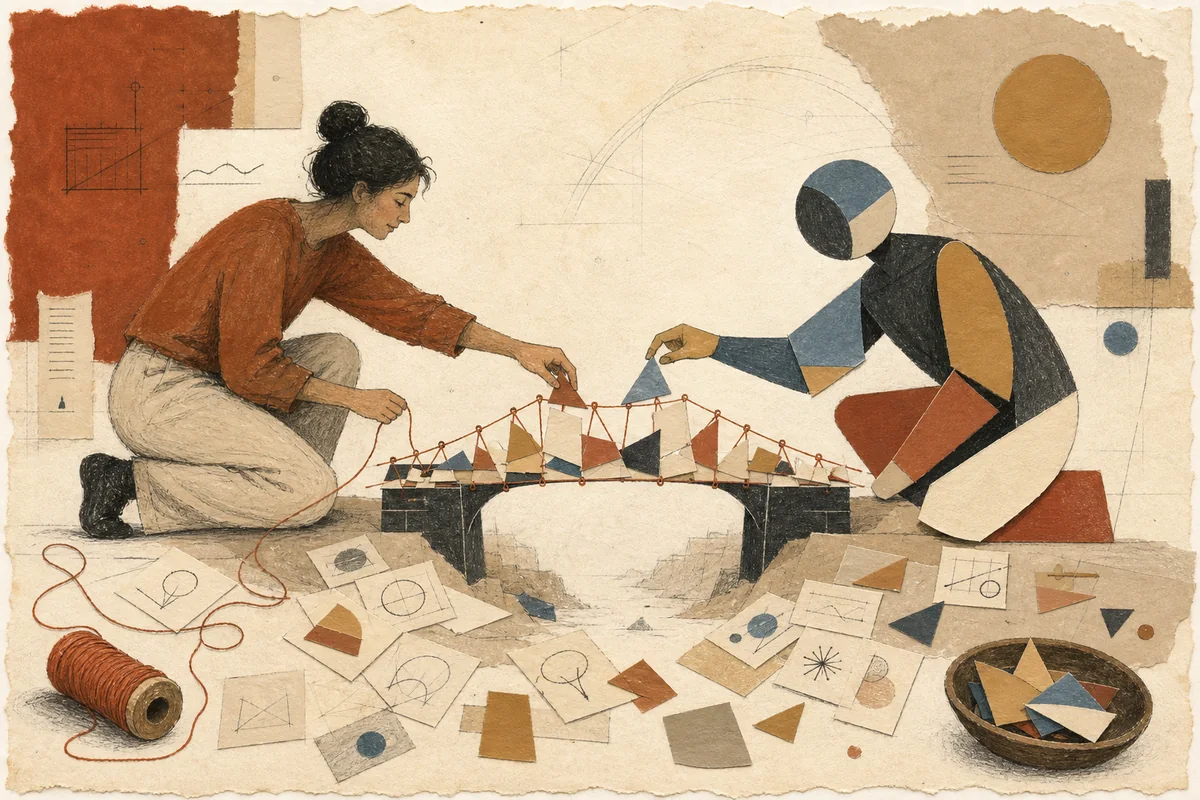
SkillExpress abstract technology or business ideas through warm paper-cut metaphors, matte color, and loose hand-drawn lines.
 Skill
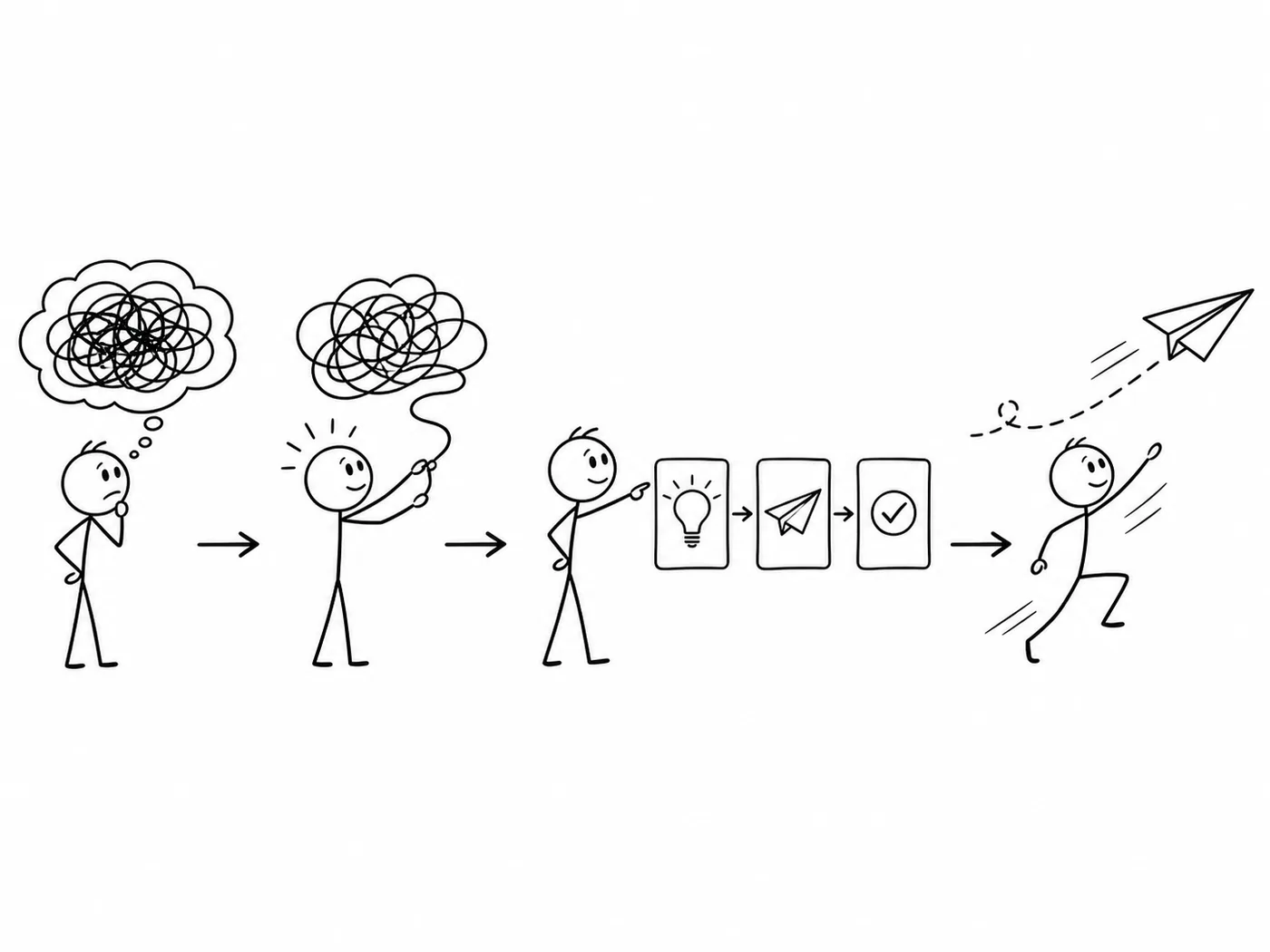
SkillExplain an idea through a consistent set of simple black-and-white stick-figure scenes, with three 16:9 illustrations by default.
 Skill
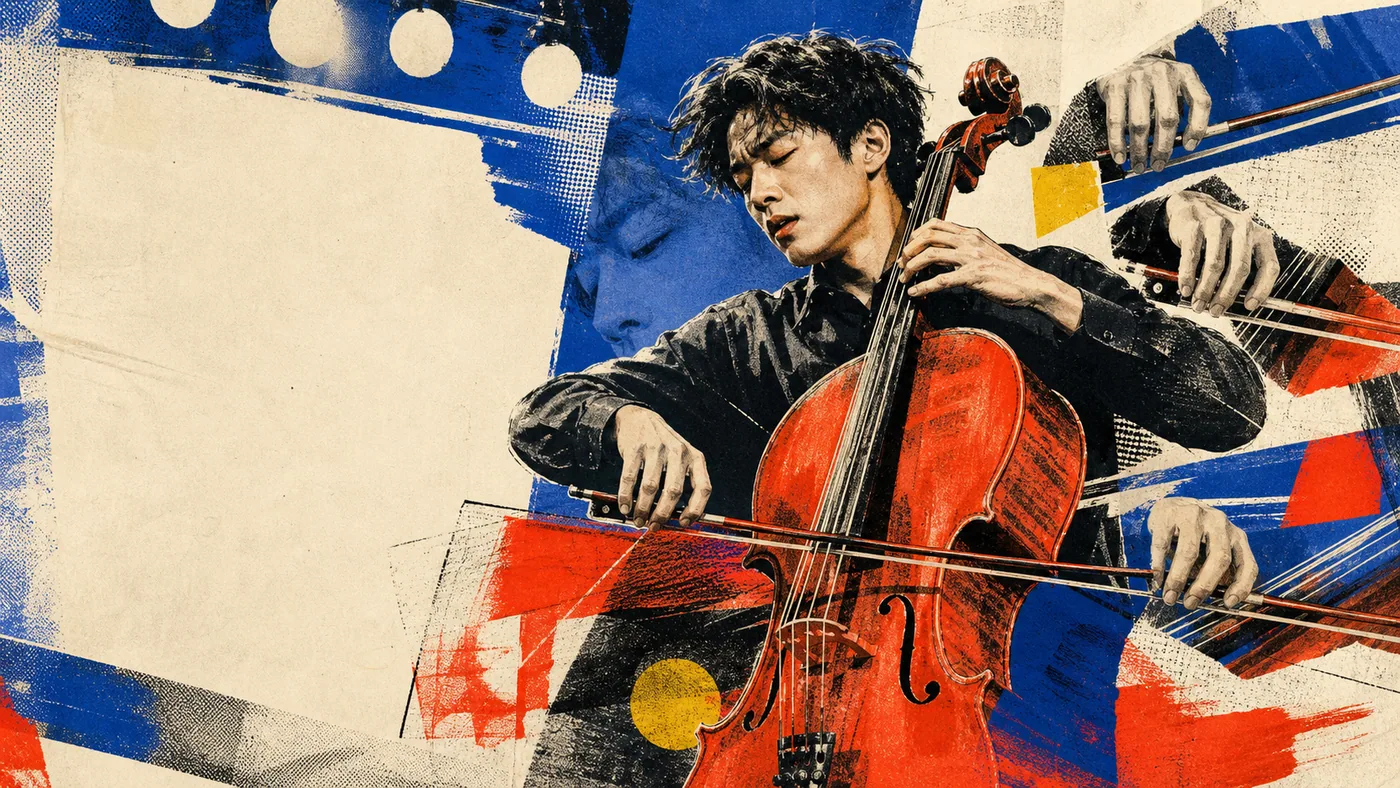
SkillTurn a strong but unfinished photo into a focused collage poster with dry-brush texture, repeated motifs, color blocks, and editorial type.