
Stop fighting generic outputs
Pet portrait generators can produce a beautiful animal that no longer resembles the user's companion, especially when markings, eye color, or face shape drift between styles.
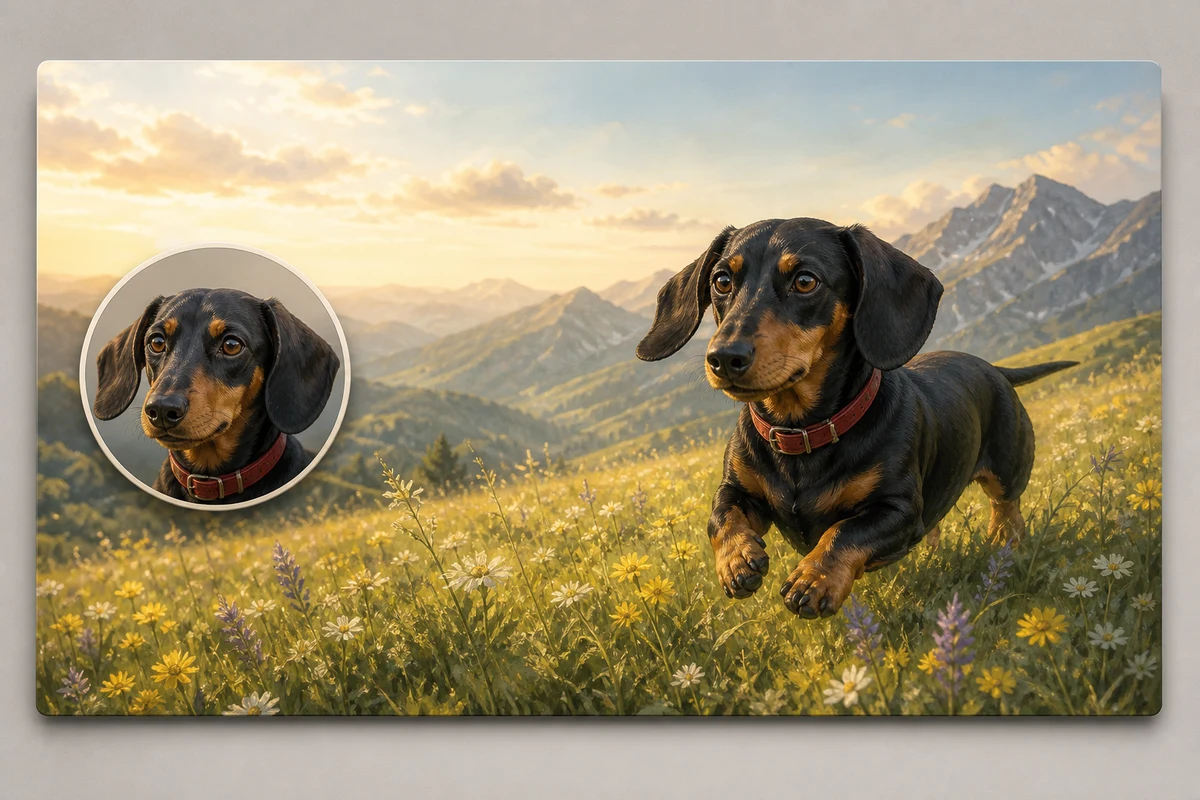
Create recognizable pet avatars and wallpapers from one photo while preserving fur color, markings, eye color, and other defining traits.
Free to install. Sign in only when you want to save or run it.
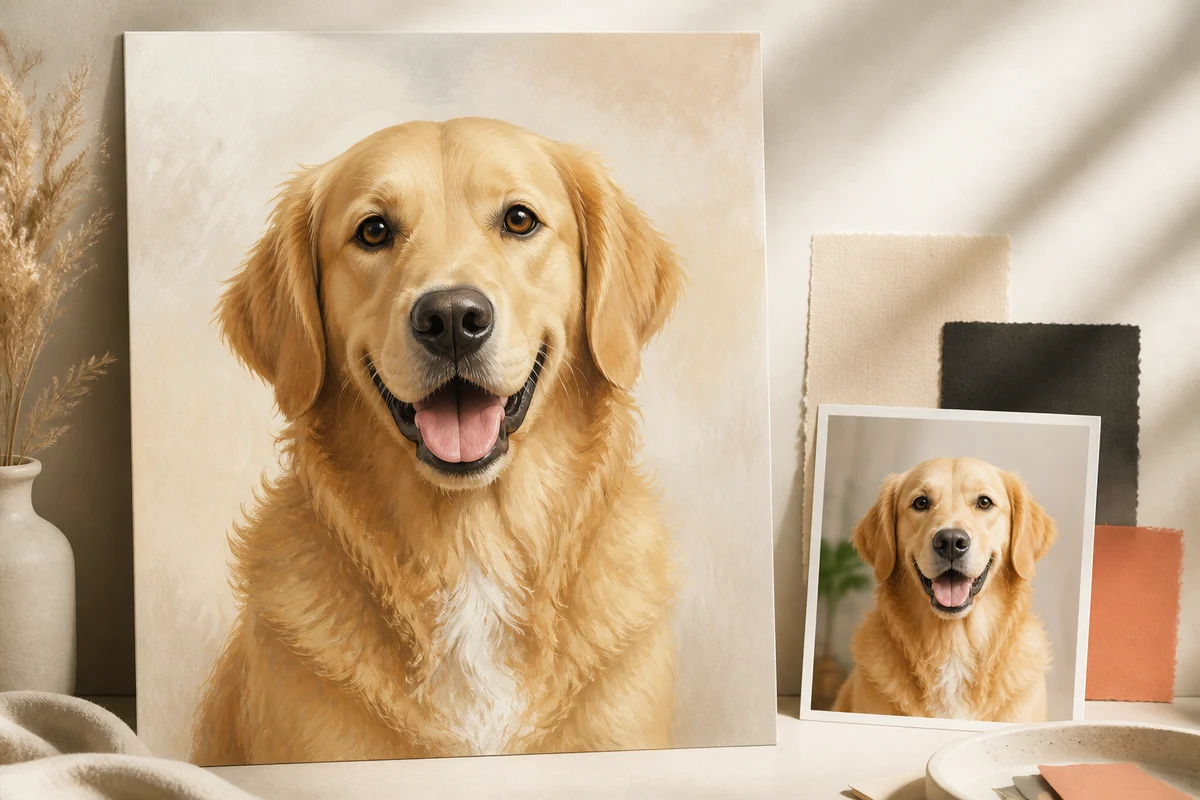
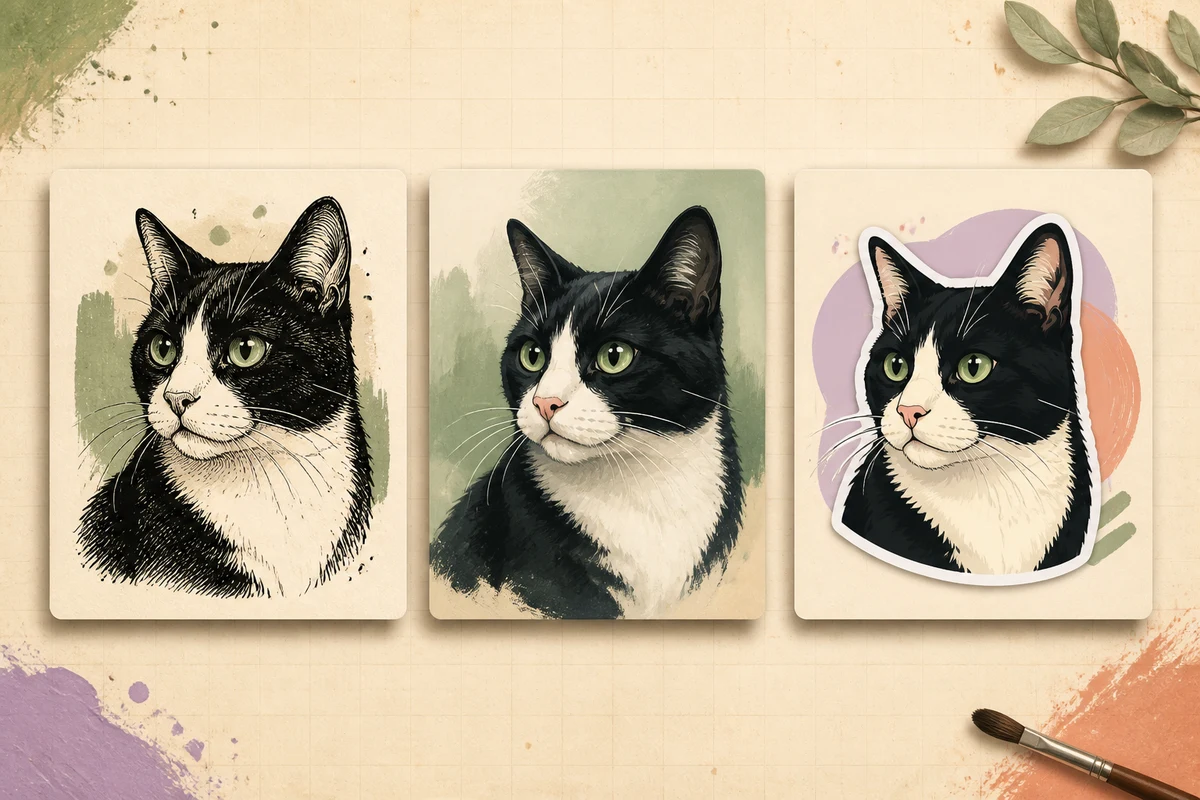
Pet portrait generators can produce a beautiful animal that no longer resembles the user's companion, especially when markings, eye color, or face shape drift between styles.
Create varied portraits, stickers, and wallpapers that retain a clear identity anchor across multiple formats and visual treatments.
Pet Portrait Pro uses one clear pet photograph to build a reusable identity description before generating any style prompt. It records fur color, markings, eye color, ear shape, muzzle, proportions, and other visible cues so later images remain recognizable as the same animal.
The skill supports 1:1 portrait avatars in sticker or realistic treatments and wallpaper compositions in 3:4 by default, with 9:16 and 16:9 available for phone and desktop screens. Accessories and environments can vary, but outlines, core colors, and defining traits remain locked across the set. The process avoids claiming perfect biometric identity and works best with a sharp, well-lit reference.
Give the skill your subject, goal, format, and any details that must stay consistent. It will turn your brief into a production-ready prompt.
Upload one clear, well-lit pet photo.
Confirm the extracted identity traits and any traits that must not change.
Choose avatar or wallpaper, aspect ratio, style, and accessories.
Generate the locked-identity prompt and coordinated variations.
Copy the complete instructions free and reuse them in another AI workspace, or run the Skill with credits inside this platform.
Act as a pet portrait art director with strict reference consistency. Examine the uploaded photo and create an identity lock covering species or breed appearance when visually supported, fur color, exact marking locations, eye color, ear shape, muzzle shape, nose color, body proportions, and distinctive visible features. Ask the user to confirm uncertain traits before generating styles.

Offer either a 1:1 avatar in sticker or realistic treatment, or a wallpaper in 3:4 by default with optional 9:16 or 16:9. Accessories and settings may change, but the identity lock must remain unchanged across every prompt. Keep outlines and palette consistent within a set. Do not invent pedigree, health, temperament, or hidden physical details. Return the identity lock, composition plan, one generation prompt per requested variation, and a negative prompt that prevents marking, eye-color, and anatomy drift.
No account or credit is needed to copy these instructions.
Get more credits →Pet Portrait Pro is a reusable AI instruction set that helps you create varied portraits, stickers, and wallpapers that retain a clear identity anchor across multiple formats and visual treatments.
The complete instructions are free to copy. Running the skill through the connected generator costs 1 credit per successful run.
Yes. The generated result is yours to copy, edit, and adapt. Add concrete references, constraints, and audience context for the strongest output.
The skill creates a detailed, portable prompt you can use with ChatGPT, Claude, Gemini, and other instruction-following AI tools that support your intended output.
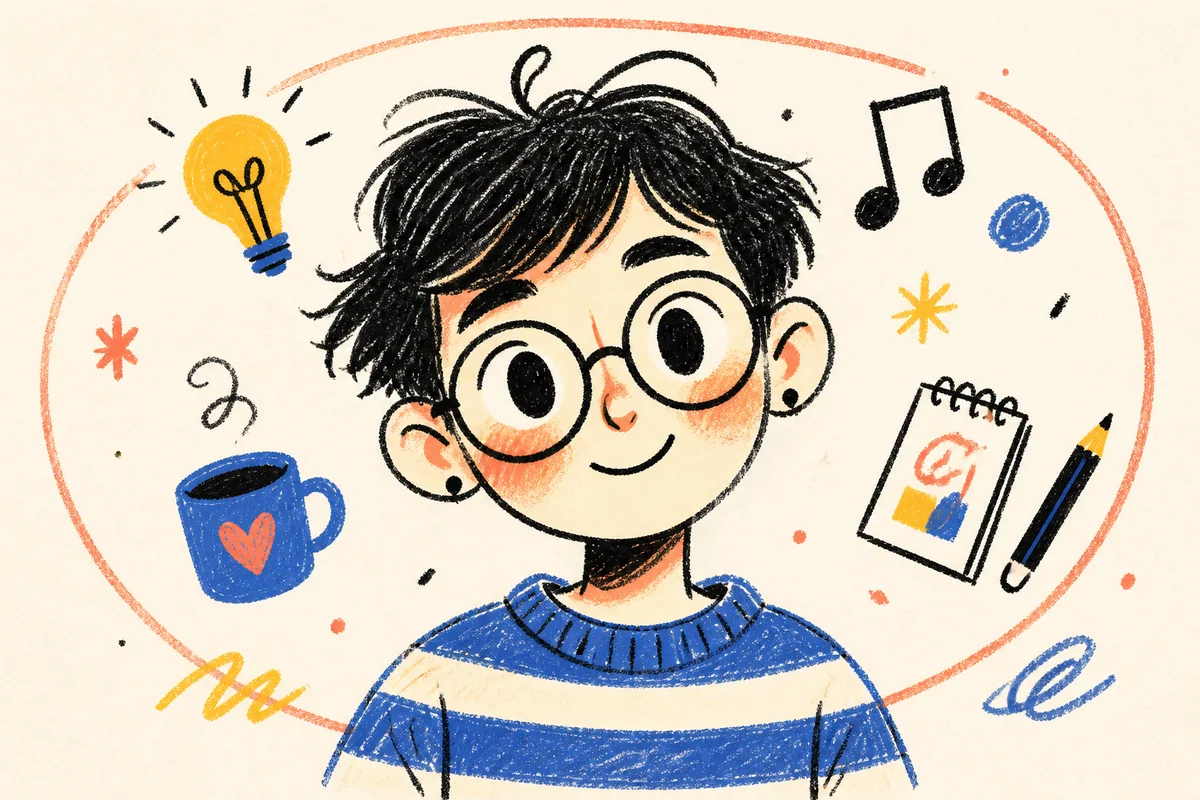 Skill
SkillTransform a portrait, appearance description, or character idea into a flat, expressive fashion-chibi doodle avatar.
 Skill
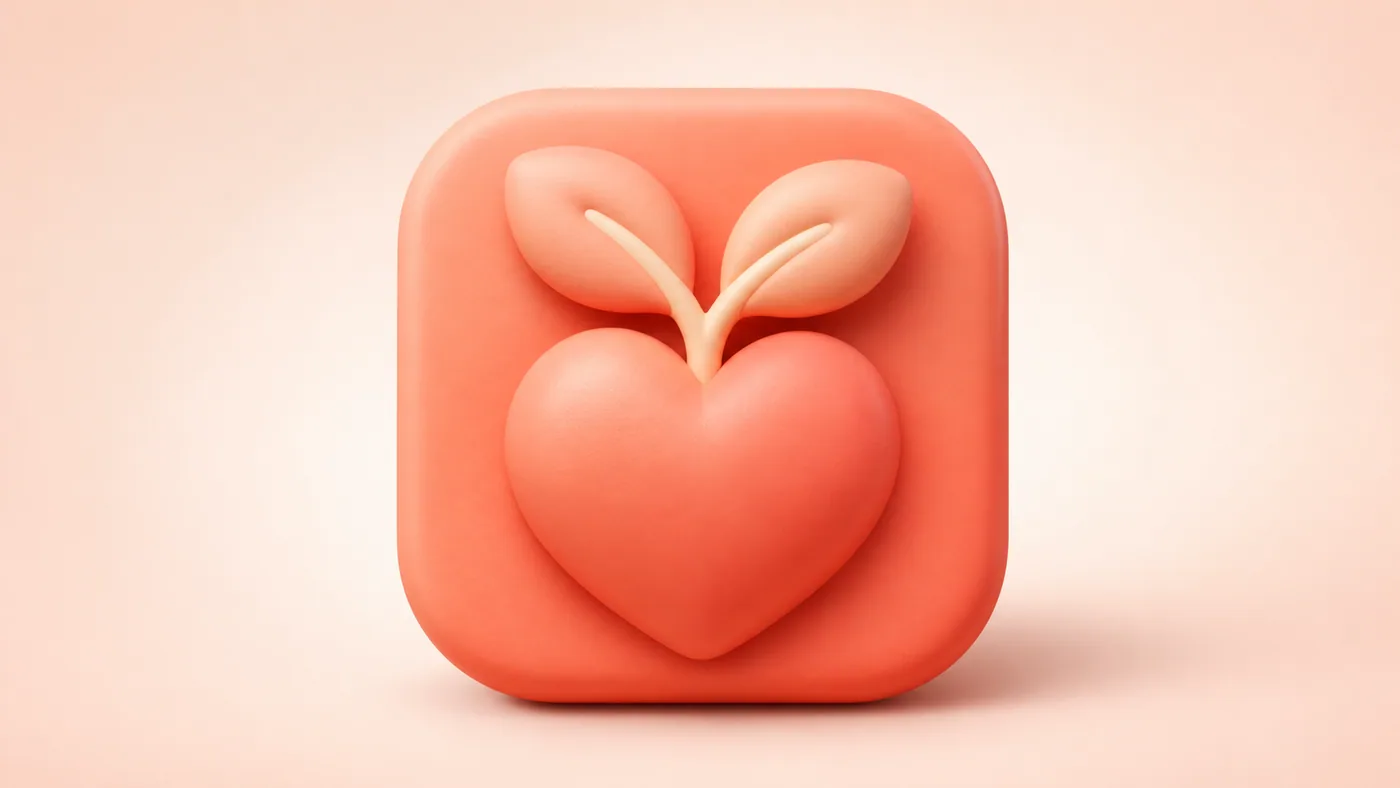
SkillCreate bright, rounded 3D app icons with clear silhouettes, friendly proportions, soft lighting, and restrained color.
 Skill
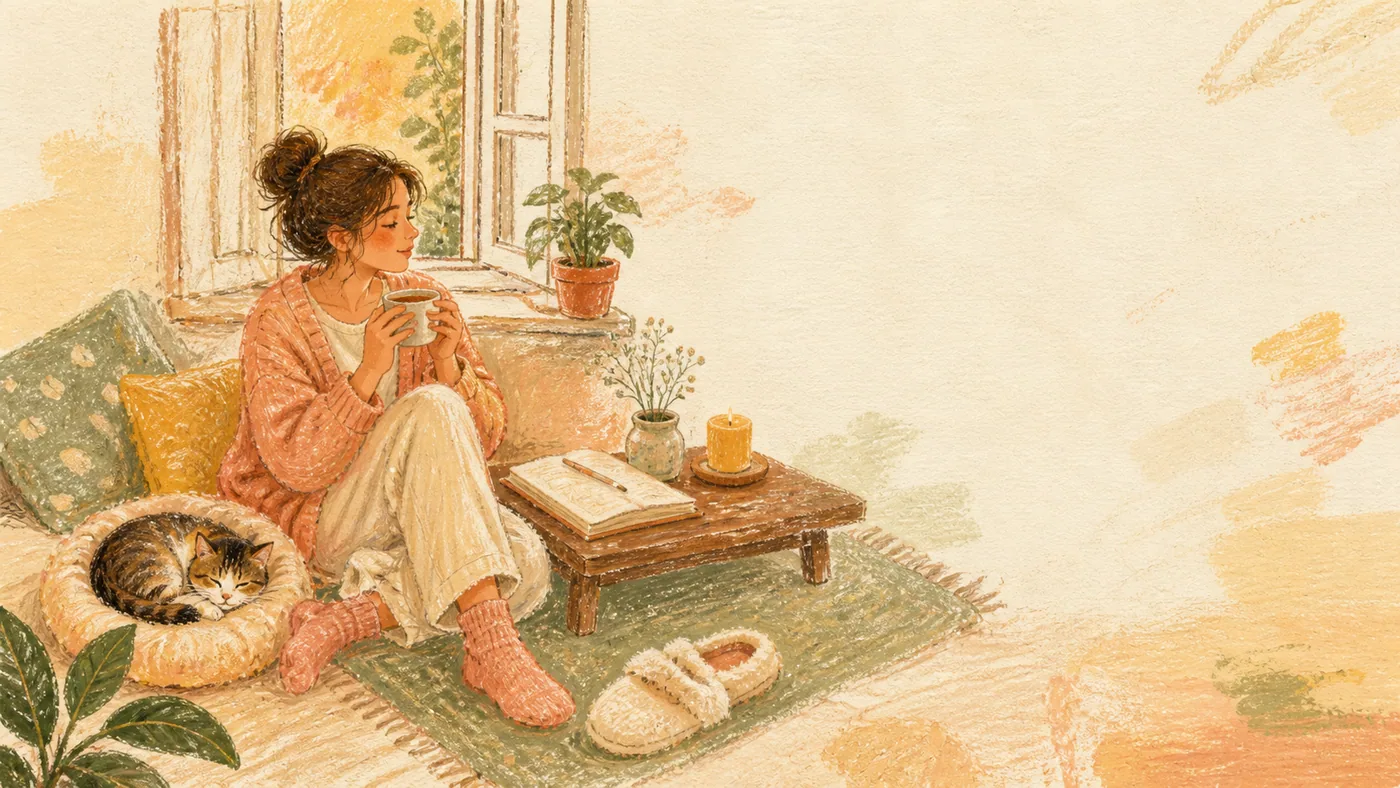
SkillTurn a sentence or feeling into a warm oil-pastel collage with hand-drawn characters, everyday objects, and a short handwritten quote.