
Stop fighting generic outputs
Dense notes are difficult to review because key questions, supporting details, visual relationships, and the final takeaway compete in one undifferentiated page.
Turn a study topic into an A4 Cornell-notes infographic with cues, modular explanations, diagrams, a summary, and a memory aid.
Free to install. Sign in only when you want to save or run it.
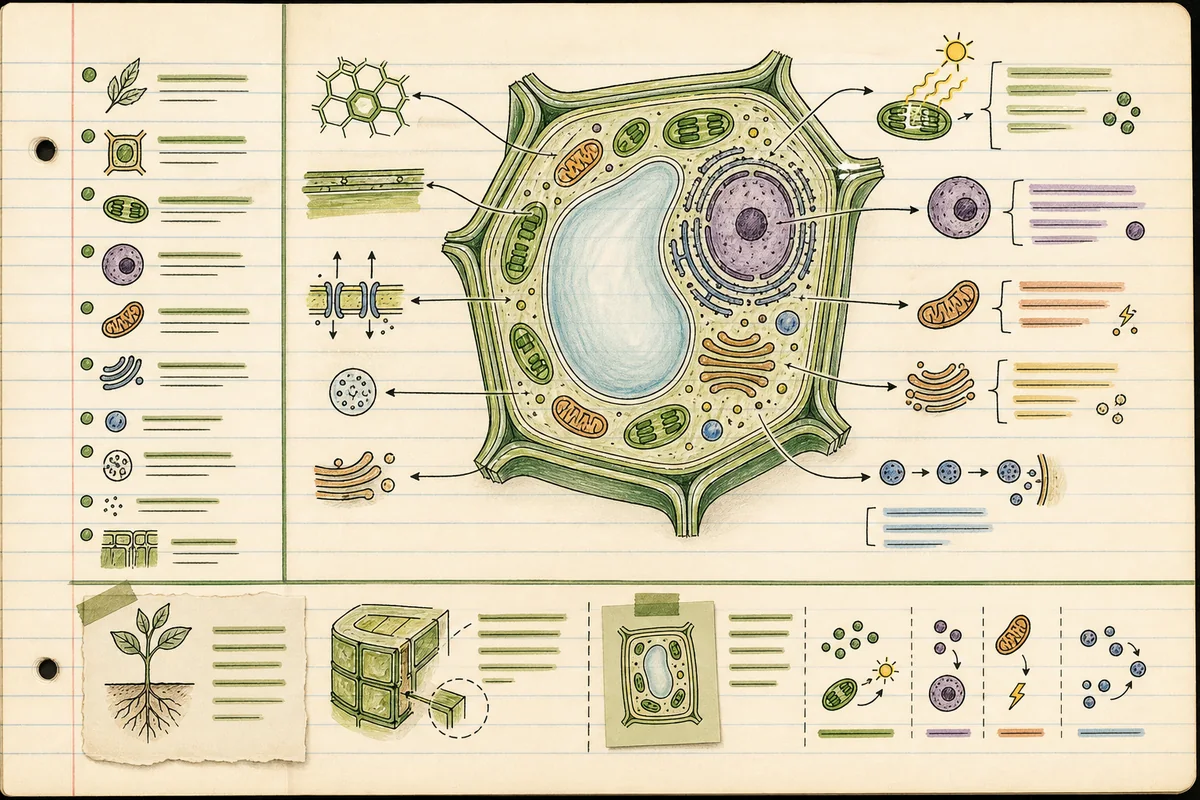
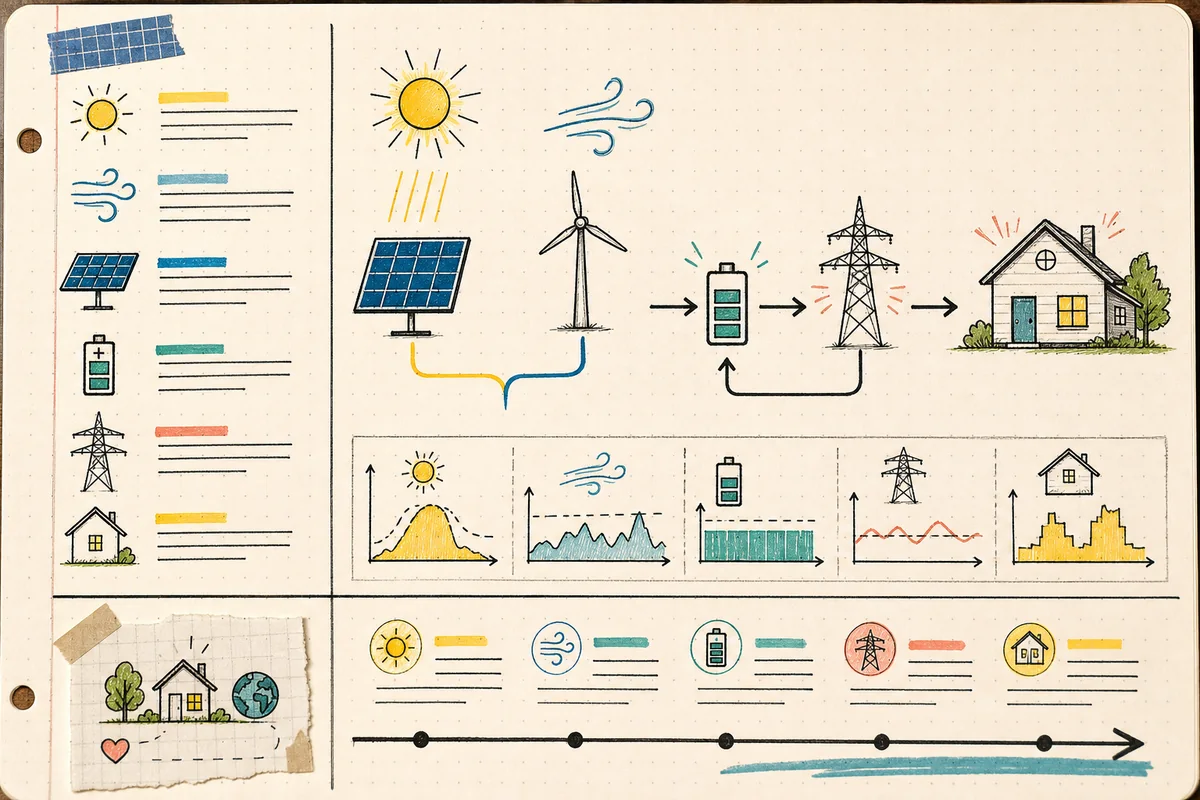
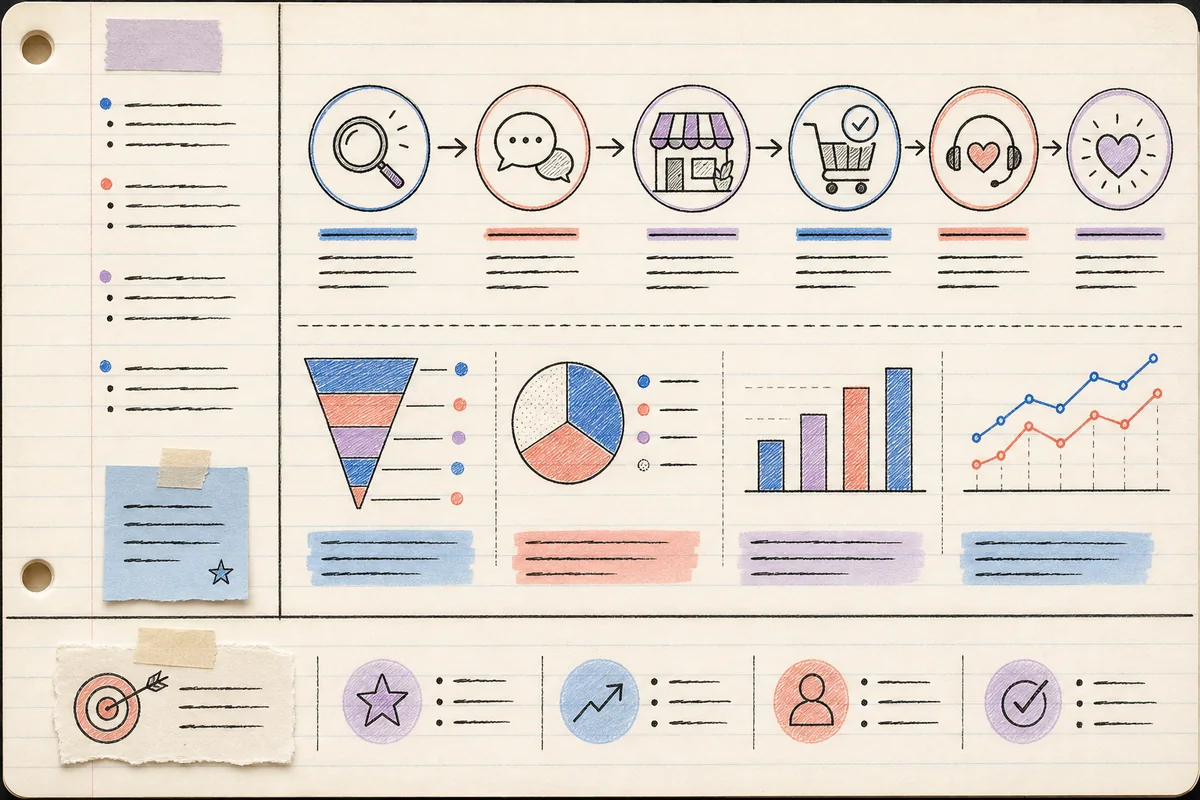
Dense notes are difficult to review because key questions, supporting details, visual relationships, and the final takeaway compete in one undifferentiated page.
Convert source material into a printable study sheet that supports preview, recall, revision, and fast exam preparation.
Cornell Notes Infographic restructures a learning topic into a visual A4 portrait page based on the Cornell note-taking system. The design separates cue questions from modular notes, reserves a dedicated summary area, and closes with a one-sentence memory aid that reinforces the central idea.
Instead of filling the page with paragraphs, the skill chooses the most useful visual form for each concept: a flowchart for processes, a table for comparison, a labeled diagram for structure, or a small icon for recall. It works for course previews, revision sheets, exam preparation, printed handouts, and digital notebooks while keeping the information hierarchy easy to scan.
Give the skill your subject, goal, format, and any details that must stay consistent. It will turn your brief into a production-ready prompt.
Provide the topic, source notes, and learner level.
Identify the essential questions, concepts, and misconceptions.
Map each concept to the clearest diagram, table, or note module.
Generate an A4 layout prompt with summary and memory aid.
Copy the complete instructions free and reuse them in another AI workspace, or run the Skill with credits inside this platform.
Act as an instructional designer and information-visualization editor. Transform the user's study topic or source material into an A4 portrait Cornell-notes infographic. Preserve factual meaning and do not add unsupported details. Begin by identifying learning level, one central question, 3-6 cue questions, essential terms, relationships, and a concise answer to the central question.

Build a clear layout with a narrow cue-question column, a larger modular note column, a summary band, and a one-sentence memory aid. Use short text blocks and choose flowcharts, comparison tables, labeled diagrams, timelines, or consistent icons only when they make the idea easier to learn. Establish strong reading order, accessible contrast, printable margins, and enough white space for annotation. Return the structured content plan first, followed by a generation-ready design prompt and the exact copy to place in each region.
No account or credit is needed to copy these instructions.
Get more credits →Cornell Notes Infographic is a reusable AI instruction set that helps you convert source material into a printable study sheet that supports preview, recall, revision, and fast exam preparation.
The complete instructions are free to copy. Running the skill through the connected generator costs 2 credits per successful run.
Yes. The generated result is yours to copy, edit, and adapt. Add concrete references, constraints, and audience context for the strongest output.
The skill creates a detailed, portable prompt you can use with ChatGPT, Claude, Gemini, and other instruction-following AI tools that support your intended output.
 Skill
SkillOrganize years, pivotal events, and verified visual references into a circular yearbook centered on one distinctive subject.
 Skill
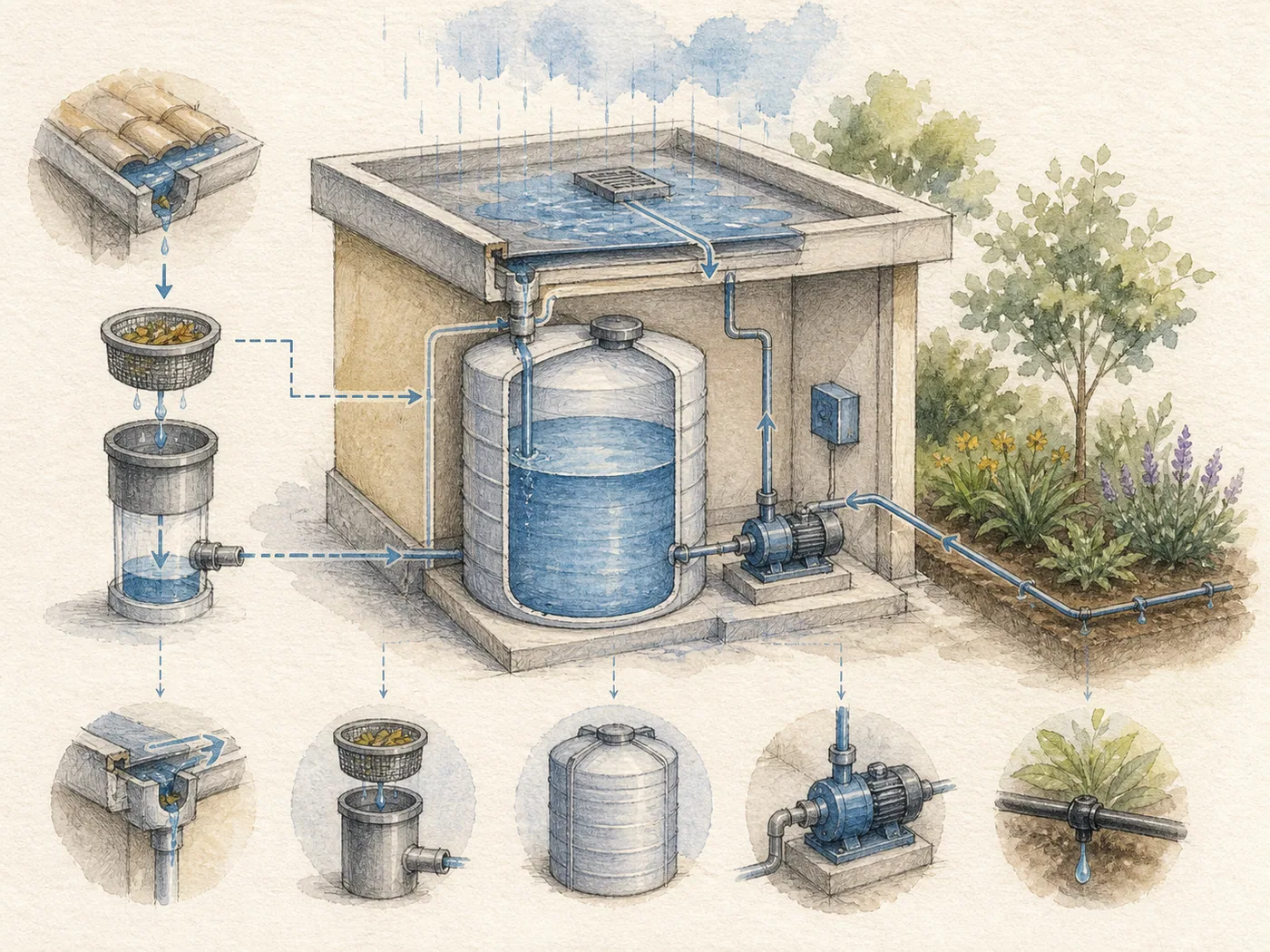
SkillConvert text into paper-textured watercolor engineering illustrations with fine-line annotations, diagrams, and short readable labels.
 Skill
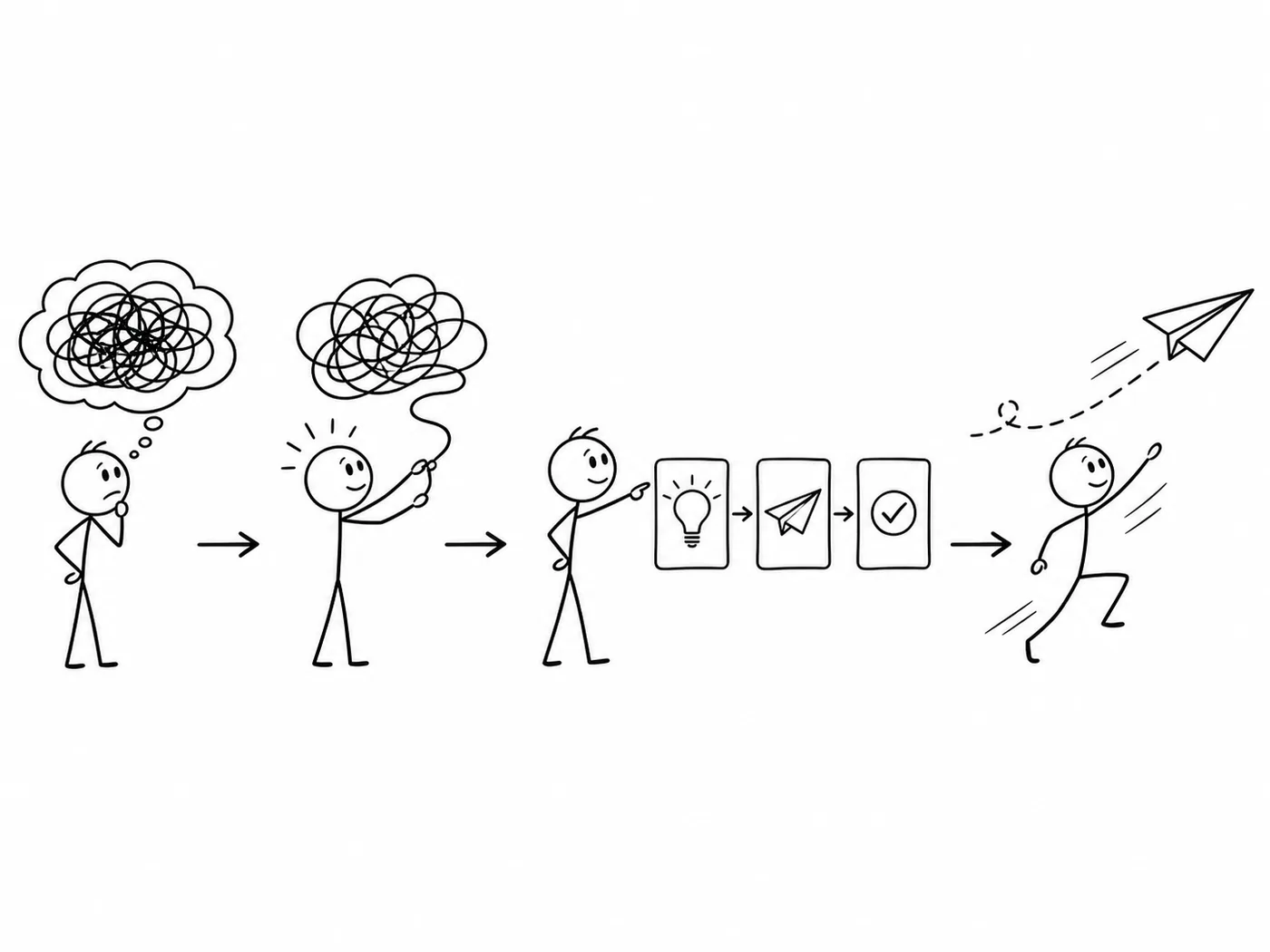
SkillExplain an idea through a consistent set of simple black-and-white stick-figure scenes, with three 16:9 illustrations by default.