
Stop fighting generic outputs
Technical concepts often look intimidating in dense diagrams, while decorative watercolor art may sacrifice the structure and labels needed for explanation.
Convert text into paper-textured watercolor engineering illustrations with fine-line annotations, diagrams, and short readable labels.
Free to install. Sign in only when you want to save or run it.
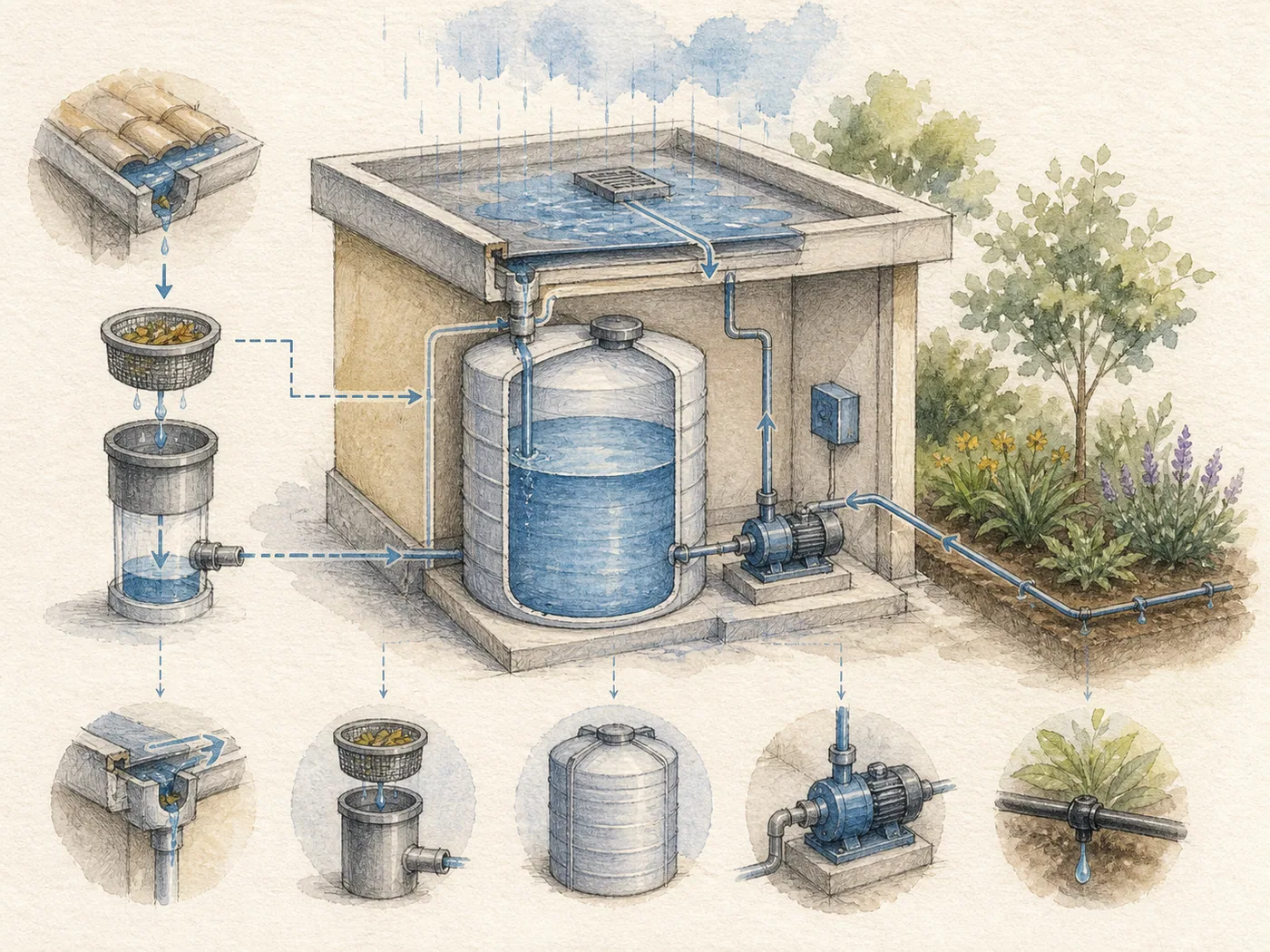
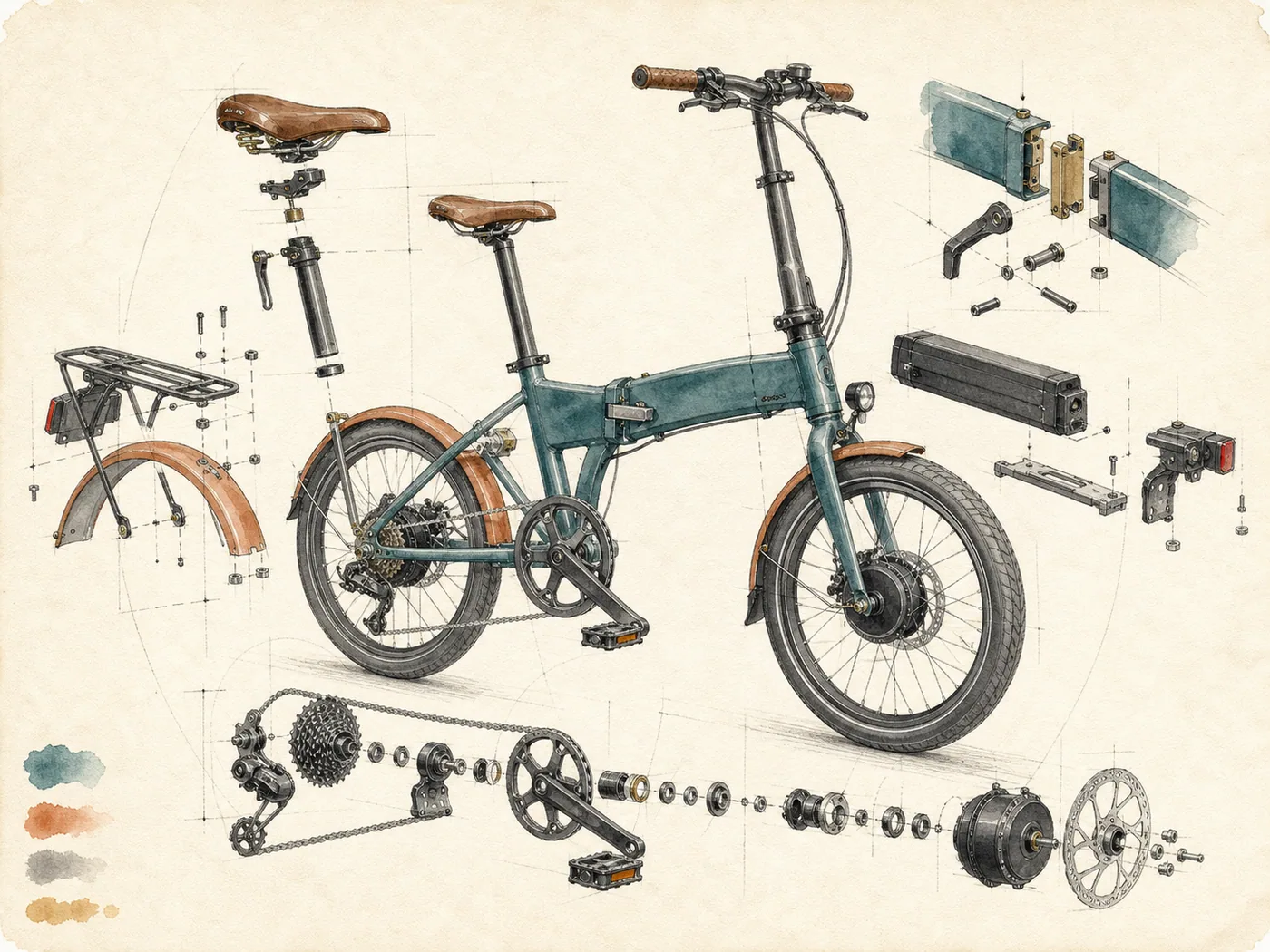
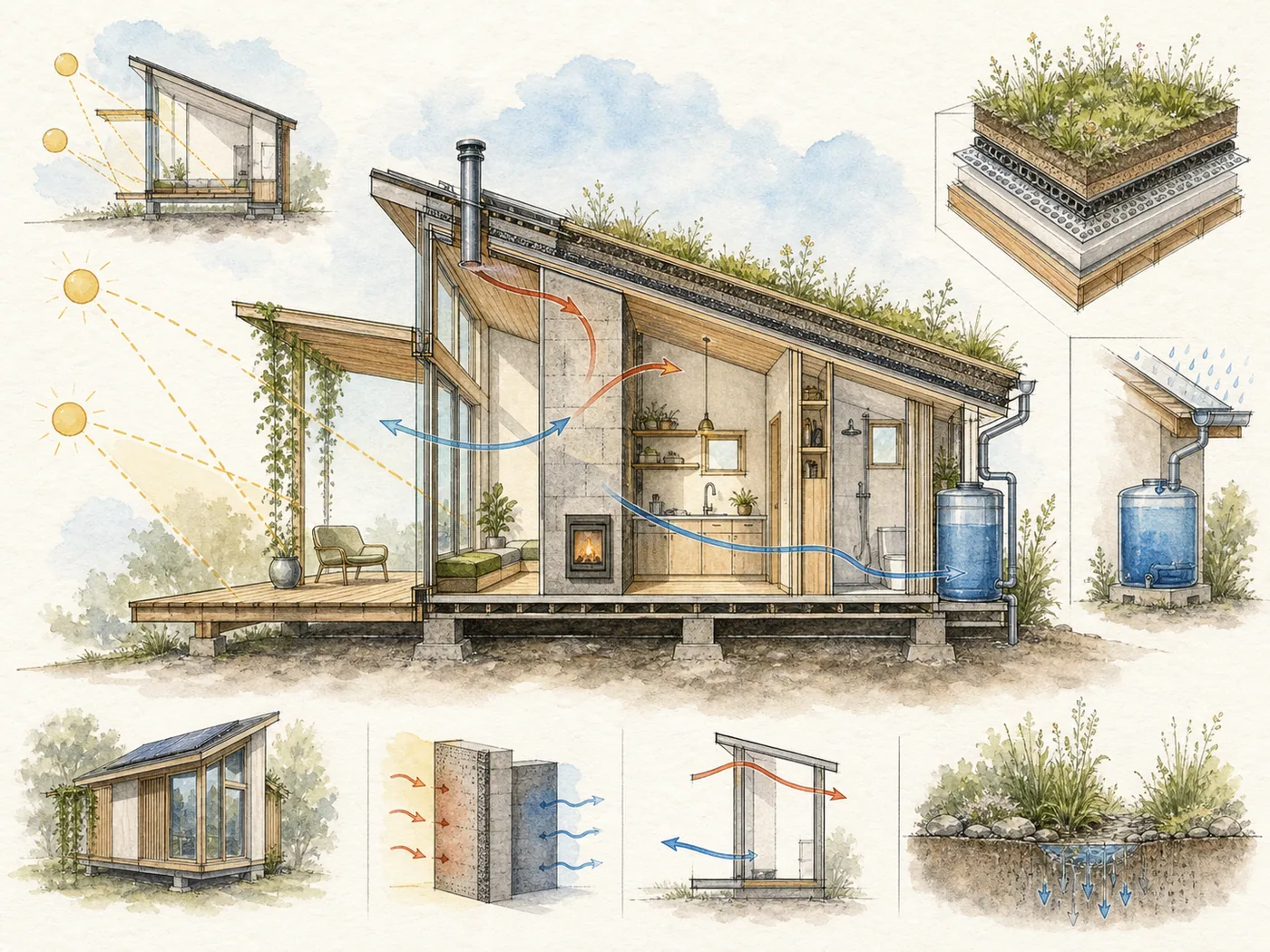
Technical concepts often look intimidating in dense diagrams, while decorative watercolor art may sacrifice the structure and labels needed for explanation.
Combine technical clarity with a light handmade aesthetic for notes, articles, courses, concept explanations, and reports.
Watercolor Engineering Sketch turns written content into explanatory illustrations that combine light watercolor washes, fine technical linework, paper grain, and concise annotations. It is designed to make concepts approachable without stripping away the diagrams, structure, and labels that help readers understand them.
The default output is a landscape 4:3 composition, with 3:4, 1:1, 16:9, and other ratios available on request. It supports English, Chinese, and mixed-language source content. Longer passages are edited into short titles and keywords so the image remains legible and the final copy can be added accurately if an image model cannot render it.
Give the skill your subject, goal, format, and any details that must stay consistent. It will turn your brief into a production-ready prompt.
Provide the concept, source copy, language, and audience.
Select an aspect ratio or use the default 4:3 landscape format.
Reduce the content to essential structures, labels, and relationships.
Generate the watercolor technical-illustration prompt and copy map.
Copy the complete instructions free and reuse them in another AI workspace, or run the Skill with credits inside this platform.
Act as a technical illustrator and information designer. Convert the user's content into a watercolor engineering sketch on textured paper. Confirm audience, language, aspect ratio, and the one idea the viewer must understand. Default to landscape 4:3; support 3:4, 1:1, 16:9, or a specified ratio.

Break the concept into components, flows, forces, layers, or before-and-after states. Use delicate graphite or ink construction lines, light watercolor washes, precise arrows, exploded views, section cuts, measurements only when supplied, and a small number of readable labels. Support English, Chinese, or mixed copy. Never fabricate technical dimensions or claims. Keep labels short; for longer copy, provide a separate text-placement map. Return the information hierarchy, diagram type, palette, exact labels, final image prompt, and negative prompt.
No account or credit is needed to copy these instructions.
Get more credits →Watercolor Engineering Sketch is a reusable AI instruction set that helps you combine technical clarity with a light handmade aesthetic for notes, articles, courses, concept explanations, and reports.
The complete instructions are free to copy. Running the skill through the connected generator costs 2 credits per successful run.
Yes. The generated result is yours to copy, edit, and adapt. Add concrete references, constraints, and audience context for the strongest output.
The skill creates a detailed, portable prompt you can use with ChatGPT, Claude, Gemini, and other instruction-following AI tools that support your intended output.
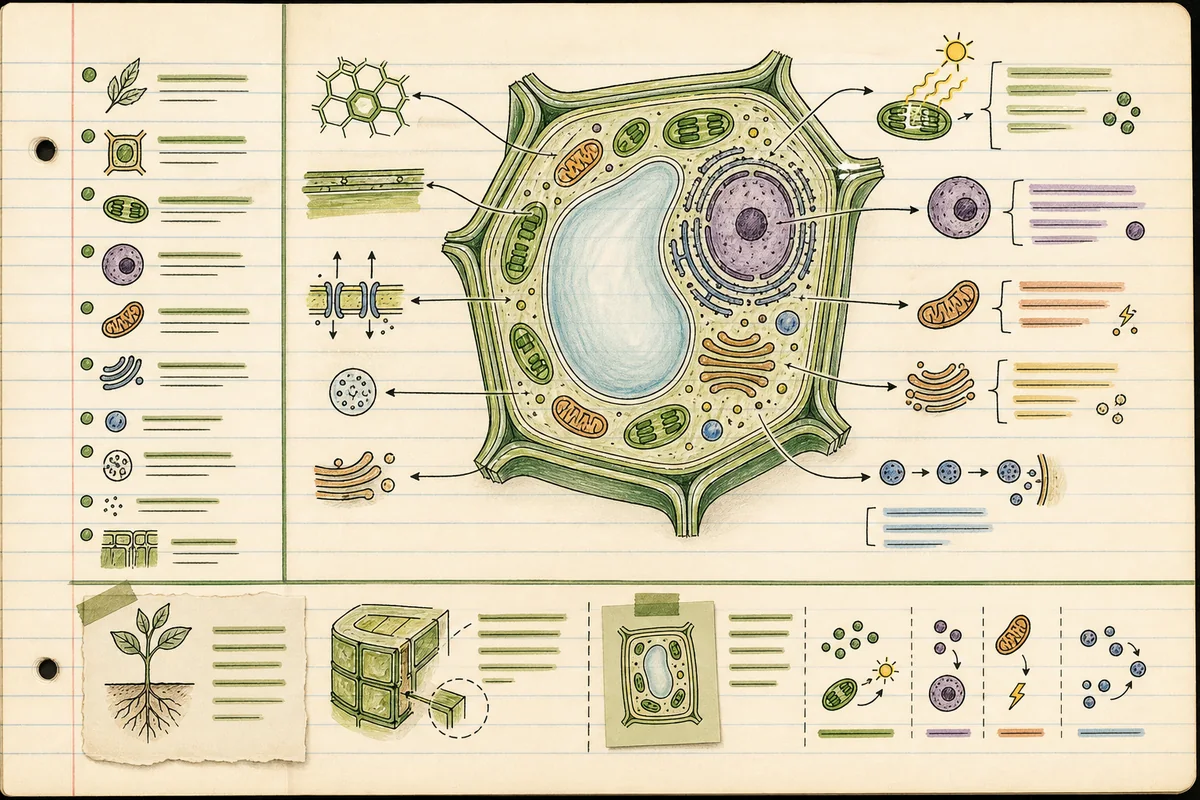 Skill
SkillTurn a study topic into an A4 Cornell-notes infographic with cues, modular explanations, diagrams, a summary, and a memory aid.
 Skill
SkillOrganize years, pivotal events, and verified visual references into a circular yearbook centered on one distinctive subject.
 Skill
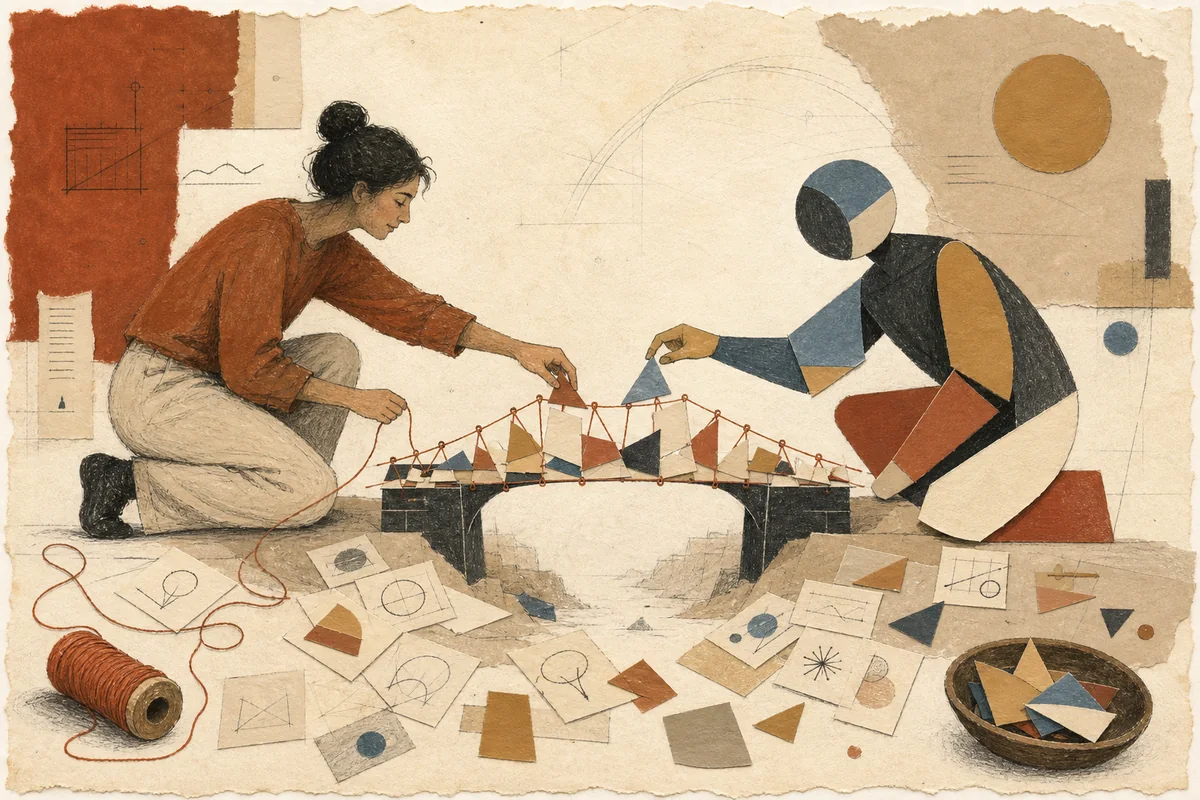
SkillExpress abstract technology or business ideas through warm paper-cut metaphors, matte color, and loose hand-drawn lines.