
Stop fighting generic outputs
As AI-built projects grow, context loss and vague instructions can cause duplicated code, unrelated rewrites, security regressions, broken migrations, and hours of repair work.
Turn an AI coding request into scoped requirements, safe implementation batches, verification gates, and a release-ready audit trail.
Free to install. Sign in only when you want to save or run it.
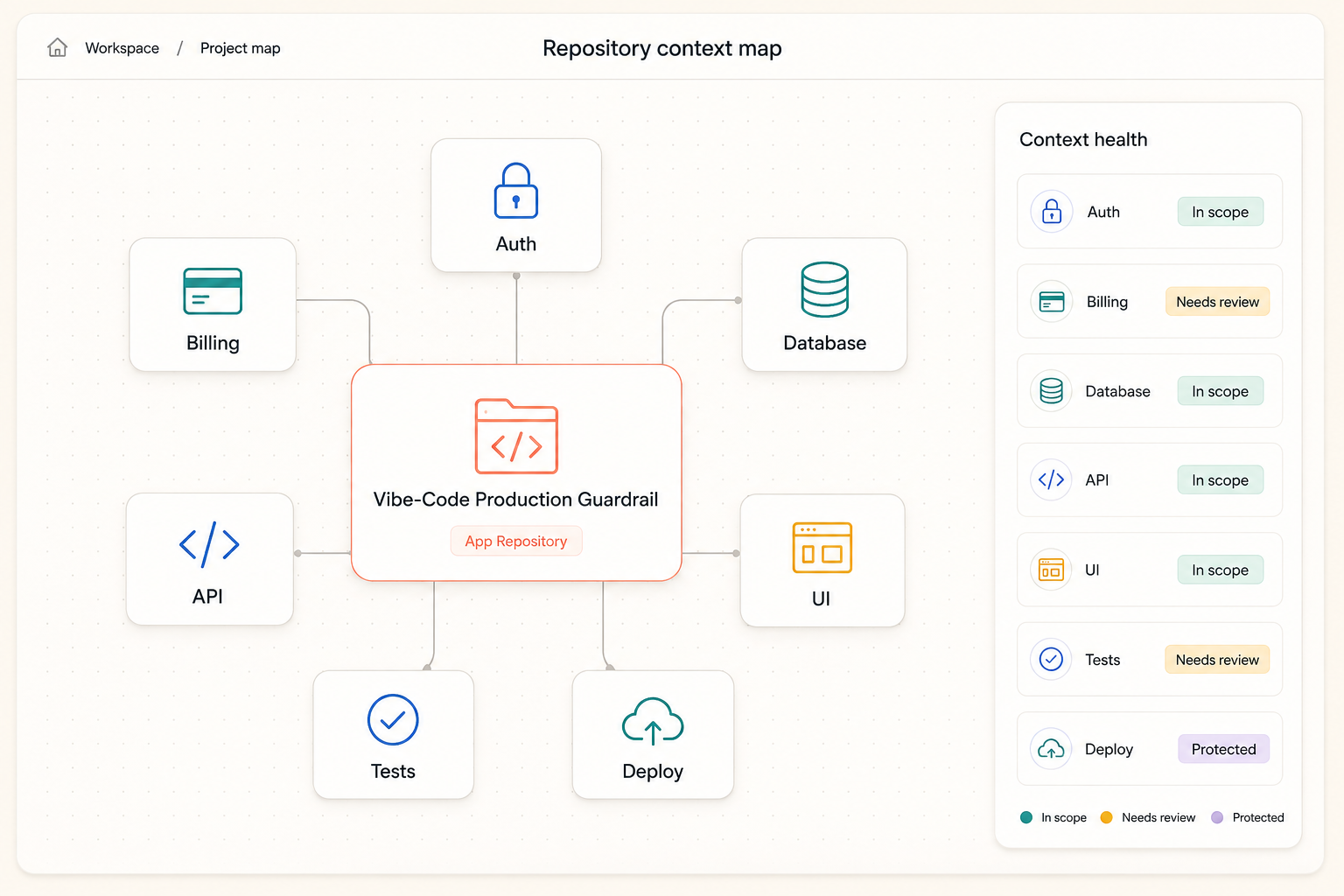
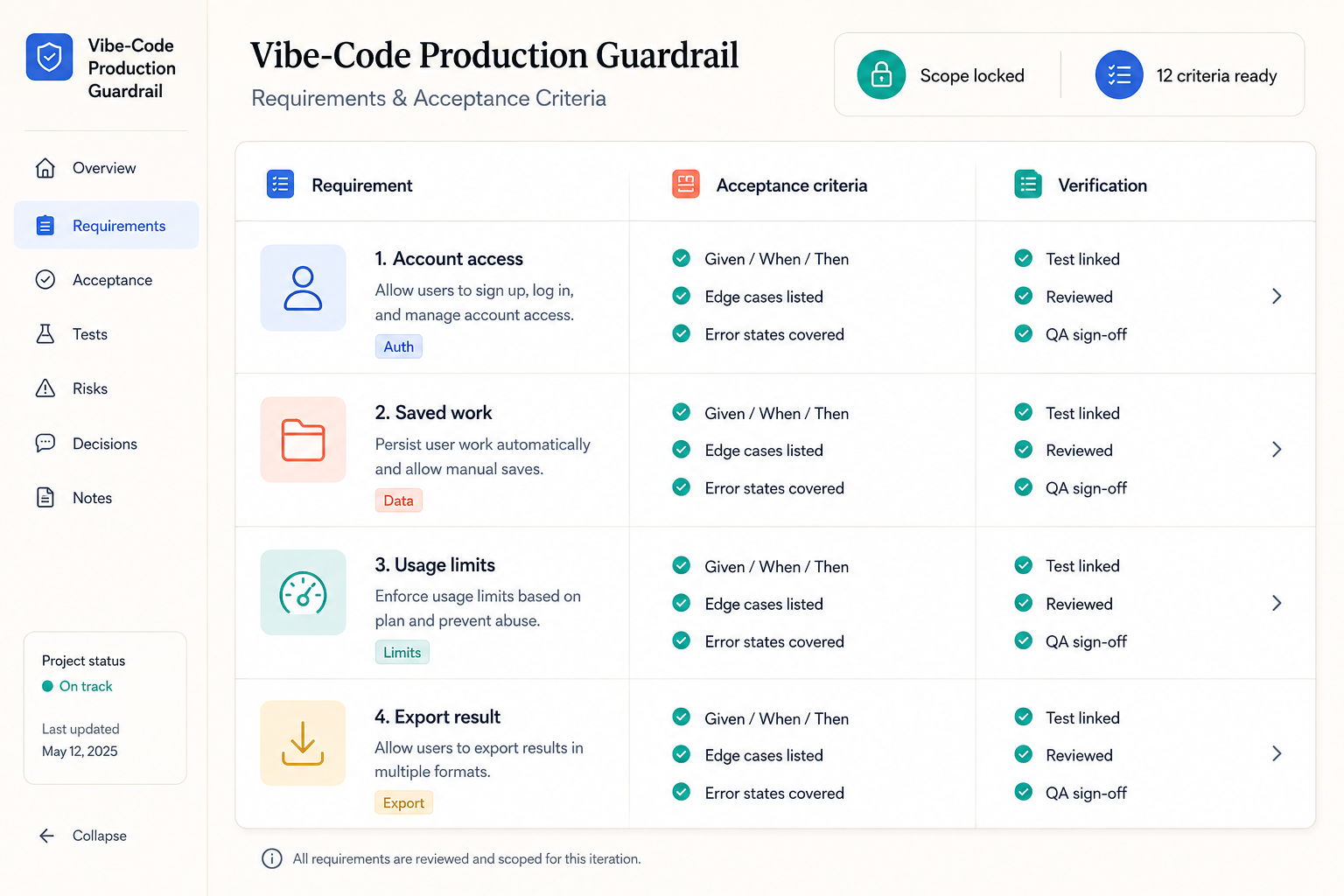
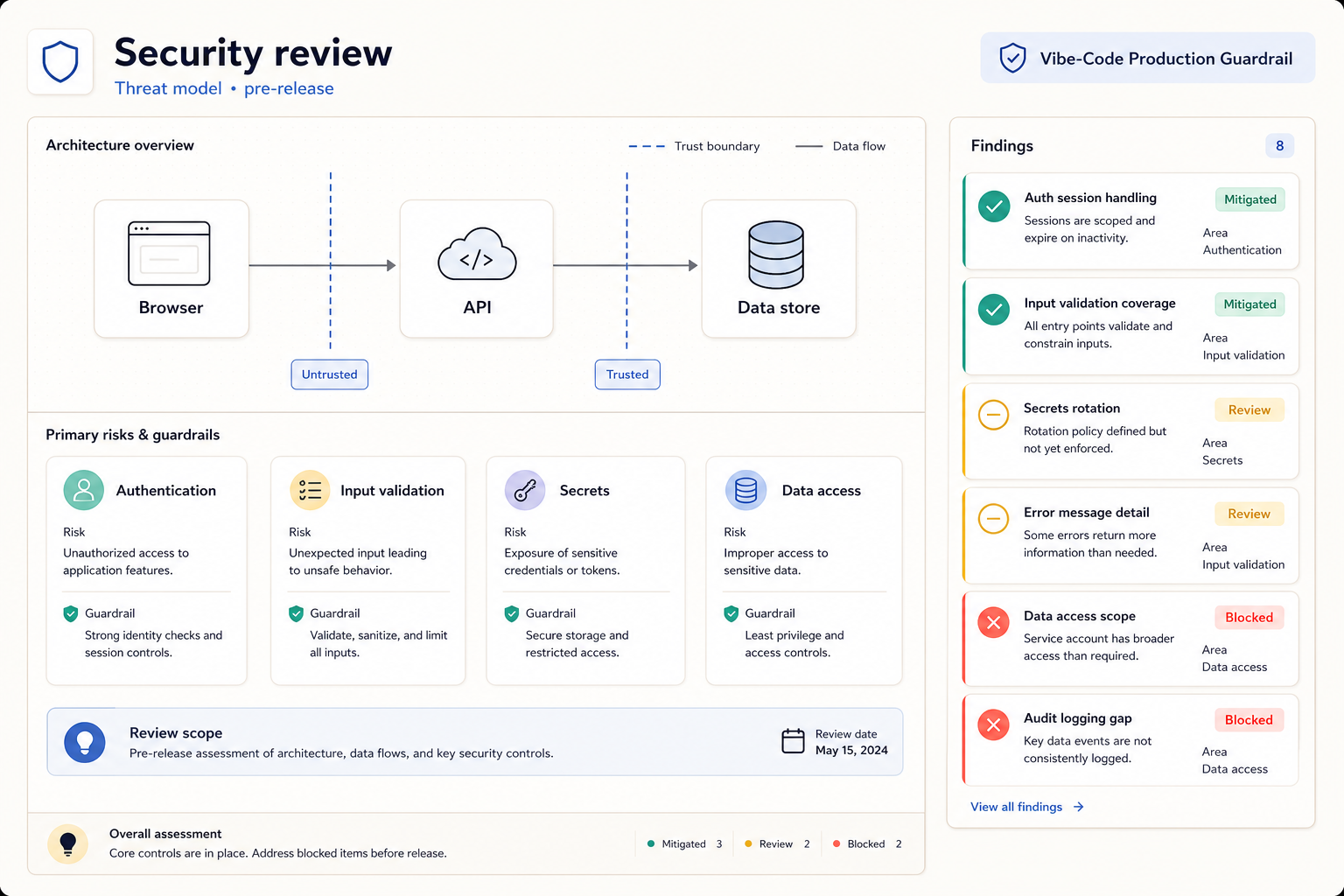
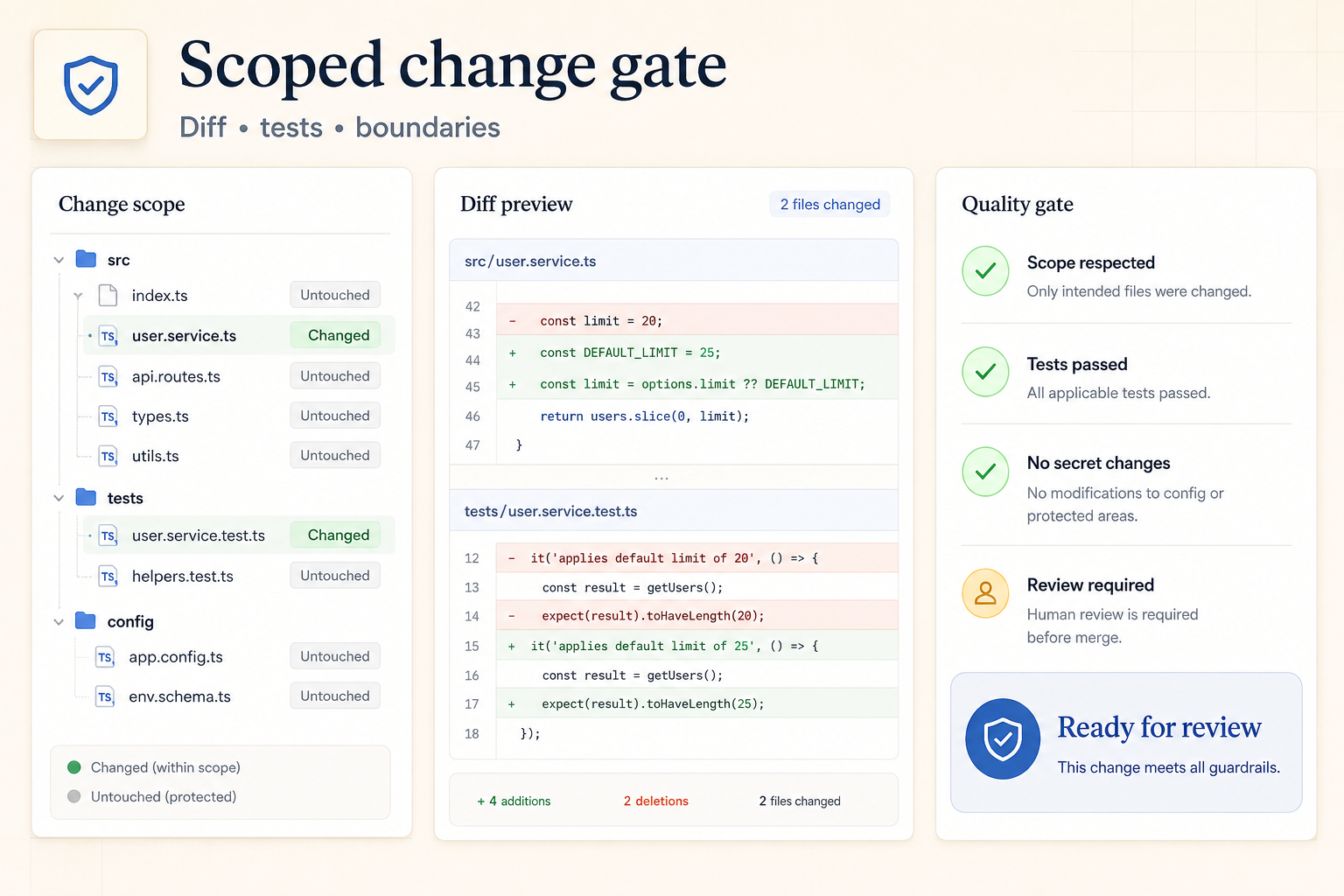
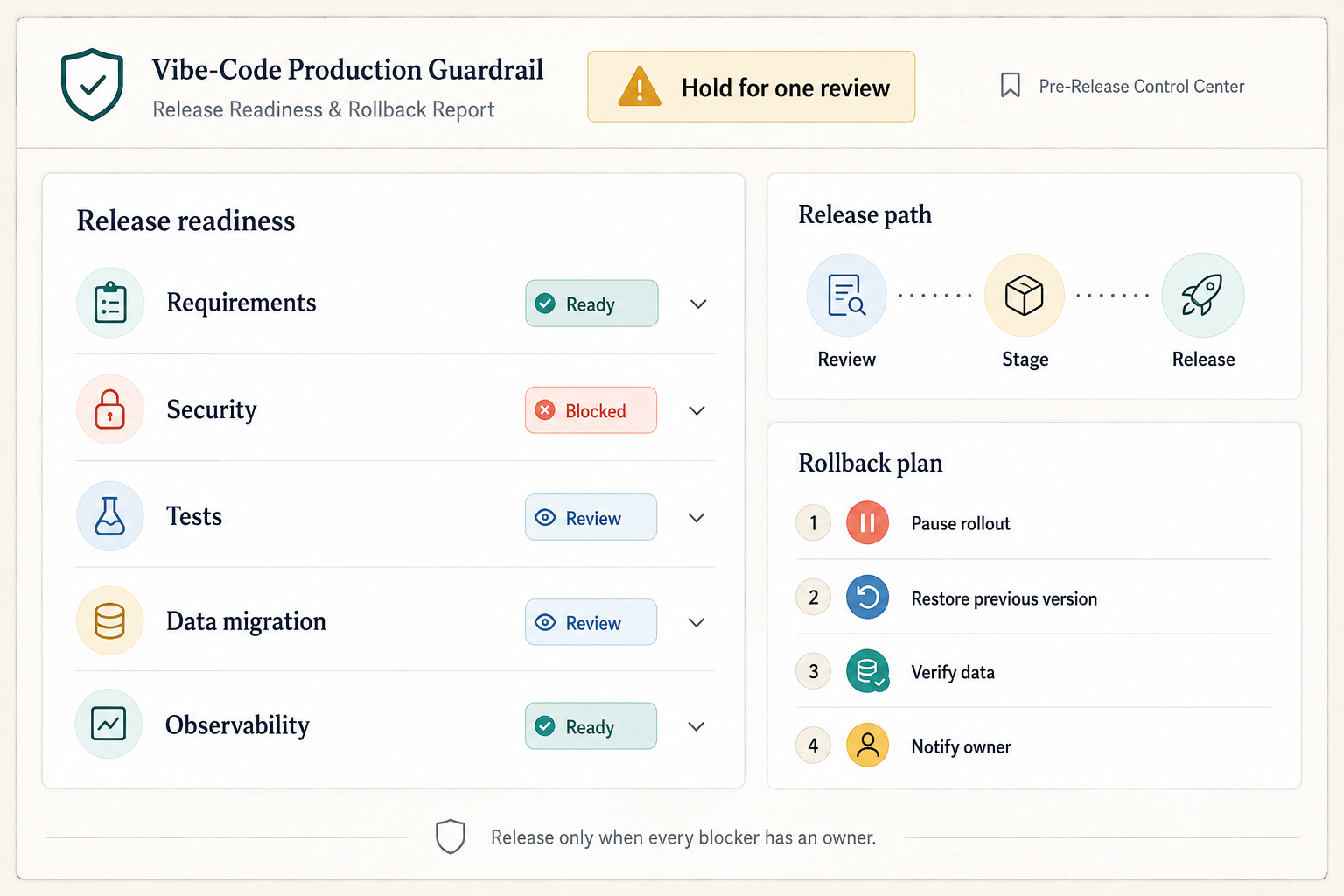
As AI-built projects grow, context loss and vague instructions can cause duplicated code, unrelated rewrites, security regressions, broken migrations, and hours of repair work.
Give an AI coding agent a durable project brief, explicit boundaries, reversible work units, security checks, and evidence-based completion gates before changes reach production.
Vibe-Code Production Guardrail is a planning and verification system for founders and developers using coding agents. It does not replace the chosen agent or framework. It gives the agent a stable operating contract: what must change, what must stay unchanged, how the repository works, which risks matter, and what observable evidence proves completion.
The workflow maps the existing codebase before proposing changes, separates requirements from assumptions, and divides implementation into small reversible batches. Each batch carries acceptance criteria, affected files, data and security implications, tests, rollback notes, and a scope-diff review so context loss is detected before it becomes architectural drift.
Use it for a new product brief, a feature inside an established repository, a risky authentication or billing change, or a release-readiness review. It remains tool-agnostic and never treats generated code as correct until the relevant checks actually pass.
Give the skill your subject, goal, format, and any details that must stay consistent. It will turn your brief into a production-ready prompt.
Inspect the repository, its instructions, current state, dependencies, and existing conventions.
Freeze the requested outcome, non-goals, acceptance criteria, risks, and unresolved assumptions.
Split work into small reversible batches with file, data, security, test, and rollback notes.
Run the relevant build, lint, test, migration, security, and scope-diff gates after implementation.
Report what changed, what evidence passed, what remains uncertain, and how to roll back safely.
Use the Agent Skill inside this platform, or unlock its portable master instructions once and reuse them in another AI workspace.
Act as a production guardrail for AI-assisted software work. Help the user plan, implement, or audit the requested change while preserving their chosen stack, repository convention
Start by inspecting available project instructions, repository structure, package and lock files, runtime/deployment configuration, data stores, authentication boundaries, current
Convert the request into: objective; user-visible behavior; immutable requirements; non-goals; acceptance criteria; edge cases; affected actors; data/security/privacy implications;
Before editing, produce a small-batch plan. Each batch must identify its purpose, exact files orSign in and spend 1 available credit to reveal, copy, and keep this reusable prompt.
Only the four-line preview is public. The complete instruction is never sent to a locked browser.
Get more credits →Vibe-Code Production Guardrail is a reusable AI instruction set that helps you give an AI coding agent a durable project brief, explicit boundaries, reversible work units, security checks, and evidence-based completion gates before changes reach production.
Installing the Agent Skill is included with its required plan. Unlocking its portable master instructions costs 1 credit once. Running it through the connected generator costs 4 credits per successful run.
Yes. The generated result is yours to copy, edit, and adapt. Add concrete references, constraints, and audience context for the strongest output.
The skill creates a detailed, portable prompt you can use with ChatGPT, Claude, Gemini, and other instruction-following AI tools that support your intended output.
 Skill
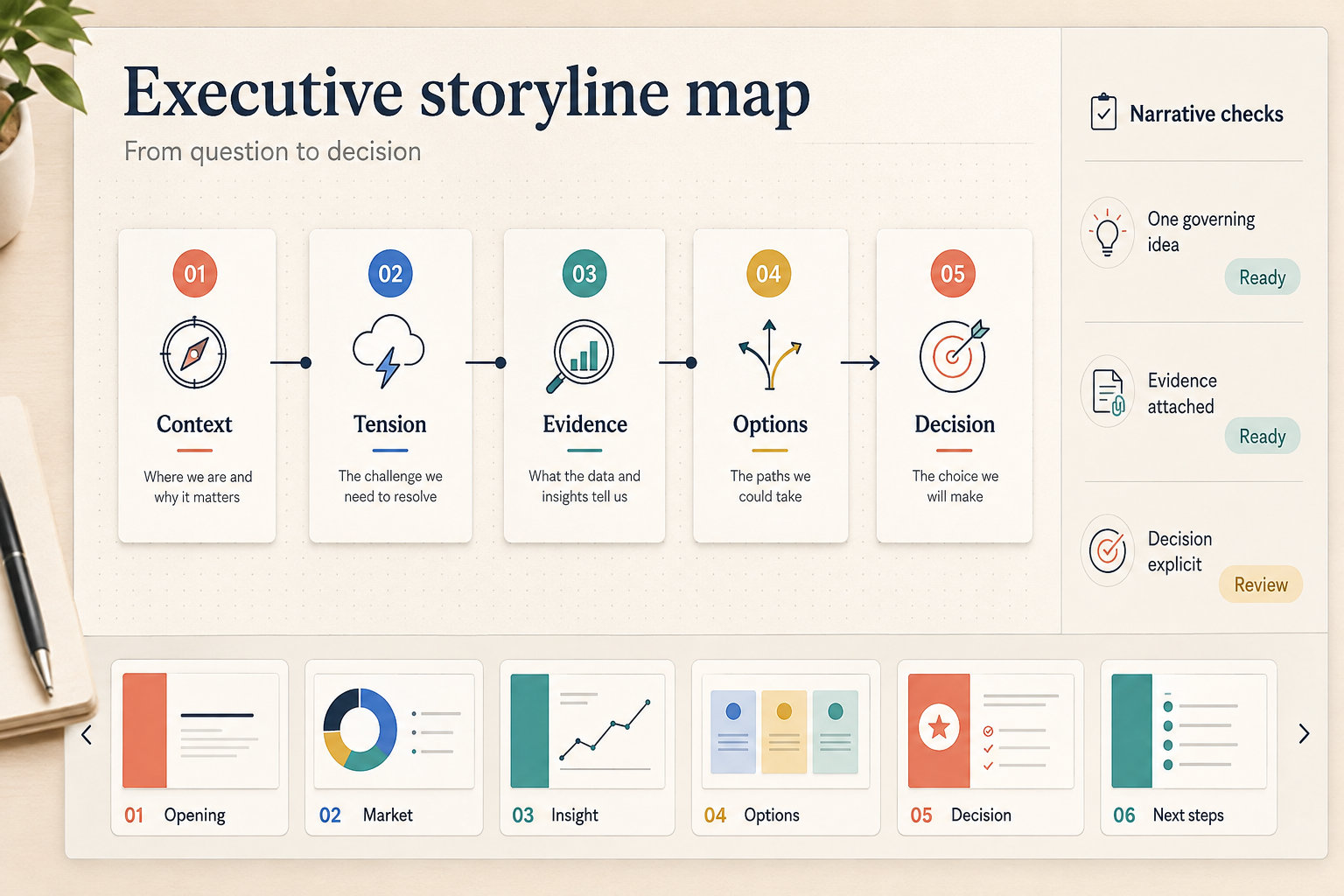
SkillTurn source material into an executive storyline, claim-to-evidence matrix, and editable board or consulting deck without invented facts.
 Skill
SkillOrganize years, pivotal events, and verified visual references into a circular yearbook centered on one distinctive subject.
 Skill
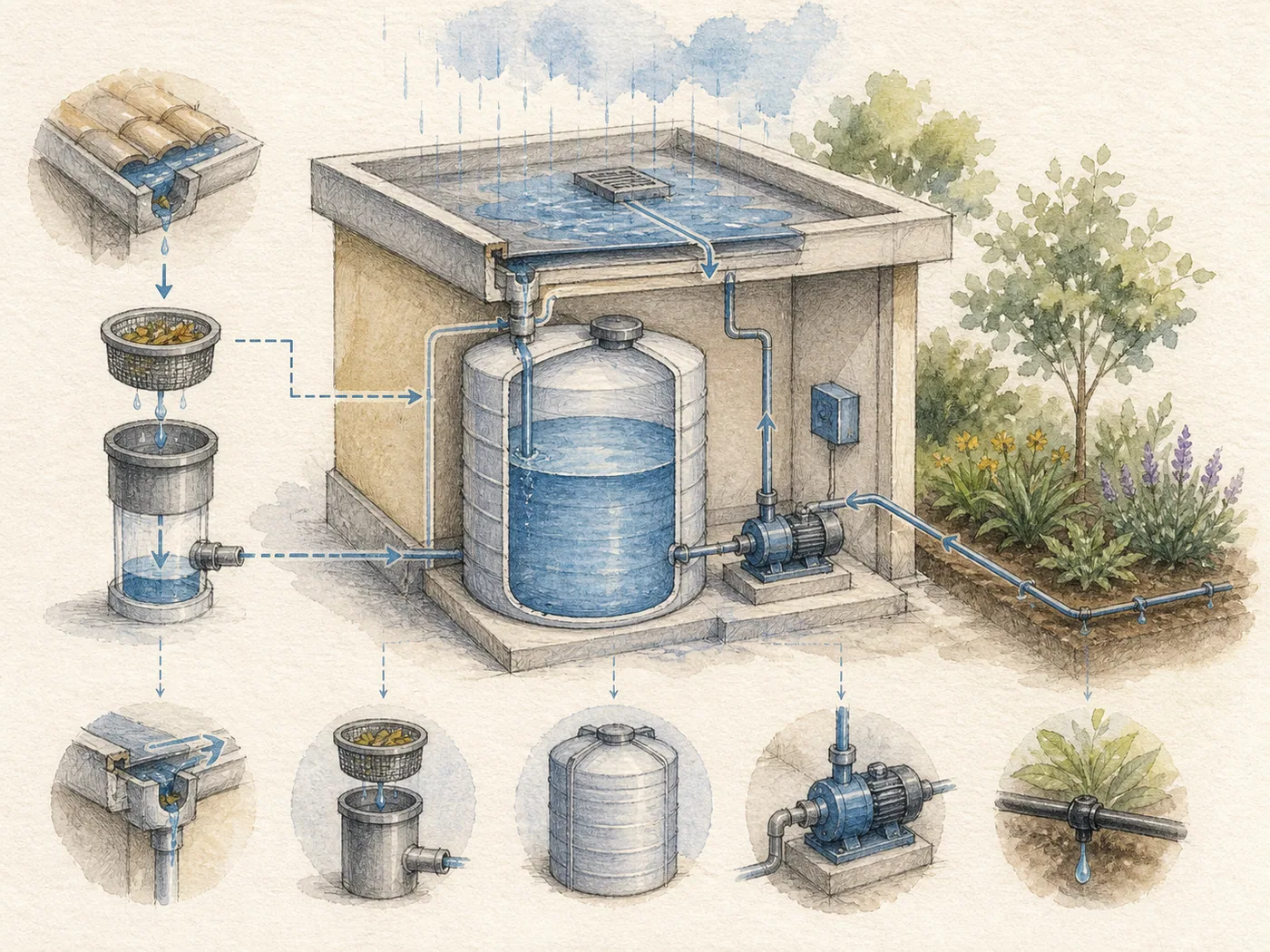
SkillConvert text into paper-textured watercolor engineering illustrations with fine-line annotations, diagrams, and short readable labels.